




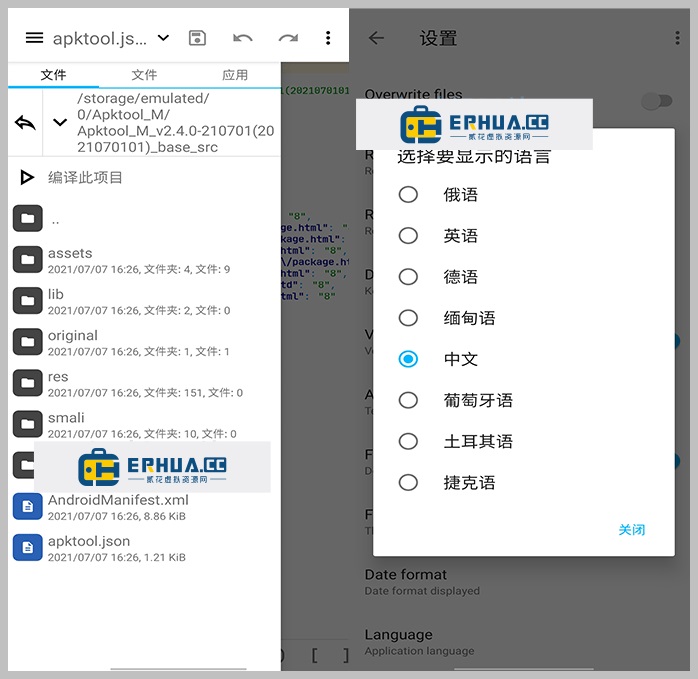












If you do Android reversing, you've probably been here
You want to see what code an APK is hiding, or tweak a feature, only to hit an error halfway through decompiling. Try another tool, but it doesn't support split-package formats. When you finally finish decompiling, you still can't tell whether the code behaves maliciously — eyeballing it is slow and unsettling. Anyone doing Android reversing knows this drill.
What can it actually do for you?
Think of it as an "APK operating table": crack open an Android package, see how the code is written and whether anything's hidden inside, then repack and sign it after your edits — the whole process on one phone. It fails less often, and it's far handier than wrestling with a VM on a PC.
What can you do with it?
① Crack open the APK and view code, with malicious behavior highlighted
After decompiling, you see the Java source, and risky code segments are auto-marked and highlighted — no need to sift line by line, just focus on the flagged spots.
② After editing, repack and sign with one click
A built-in code editor lets you make edits right on the phone. Then packing and signing are done in one flow — no need to transfer to a PC.
③ Supports split-package formats and shows full APK info
Many apps today ship as Split APKs, XAPKs or APKM — it handles unpacking and merging for all of them. And package name, version, SDK level and signature info are one tap away, no need for another tool.
Who is this tool best for?
If you do Android reverse engineering or mobile-security research, it's basically a must-have. If you just like poking at how apps work — tweaking the UI, stripping ads, inspecting API calls — it saves you a lot of trouble. For modest needs, most of the work happens on your phone, faster than booting up a PC.
In short
Apktool M is an APK reverse-engineering toolbox that runs entirely on your phone: unpack, edit code, repack, inspect signatures — the whole flow without switching tools. If you work with Android installers often, keeping one on hand is handy.










