
















Cplateviralred卡顿targettime候,youisnotisalso遇toexperiencedthese?
\ \Used a while, the C: drive silently fills up and the icon turns red. Boot slows, apps lag, even Windows Update says low on space. You want to clean manually but can't find the junk, and fear deleting system files and crashing the PC. Ordinary cleaners only remove a few hundred MB of surface junk — no real fix.
\ \Actually there's a deep-cleaner built for the C drive — no complex setup, one tap scans and clears deep junk, easily freeing tens of GB on C.
\ \
What exactly is this tool?
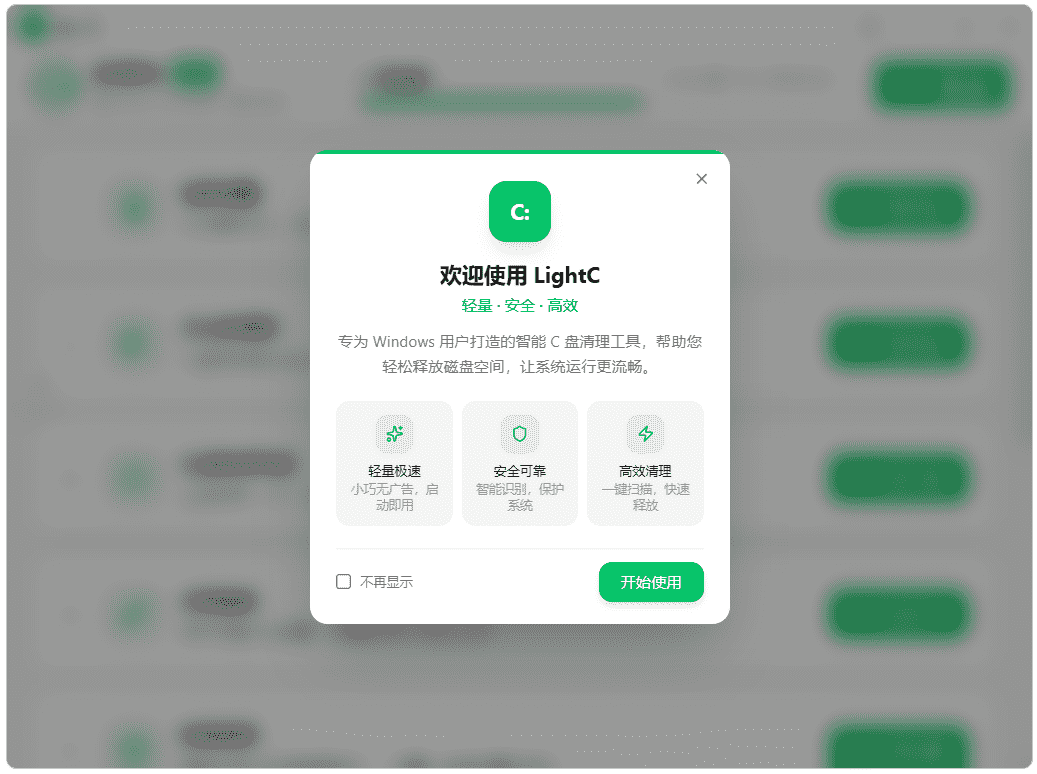
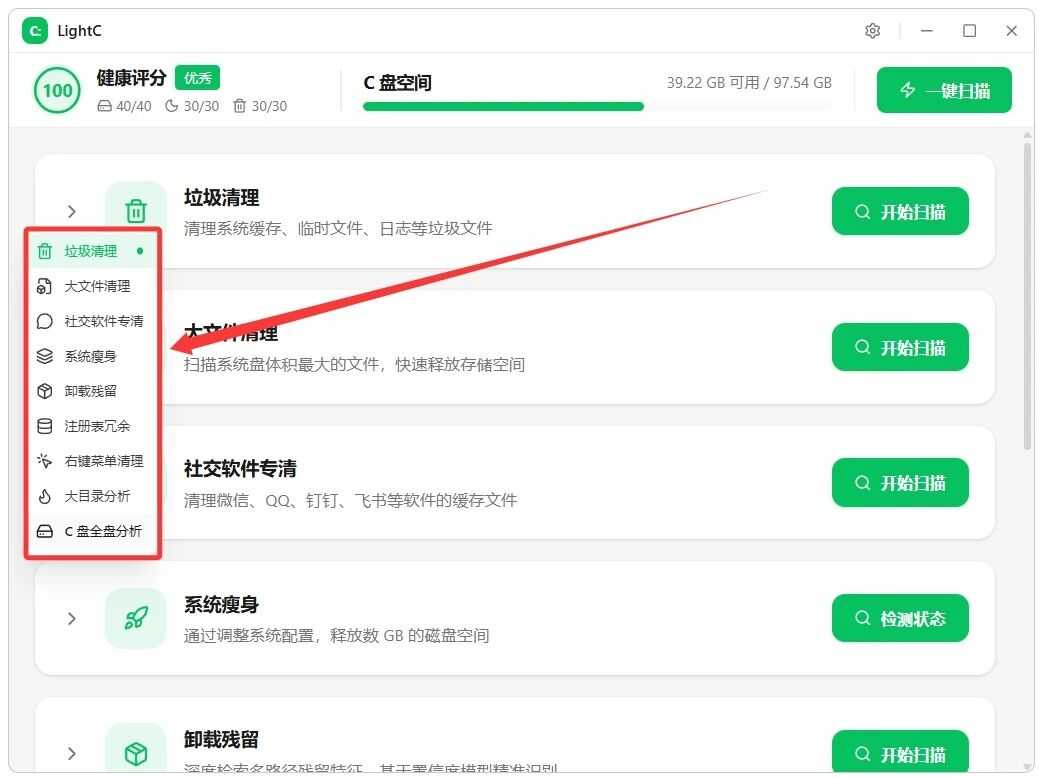
\ \LightCThink of it as a 'professional cleaner for the C: drive'. It clears dozens of junk types — system temp files, browser cache, update cache, logs and third-party app cache. It also specially cleans social-app cache while keeping chat history and received files. It bundles nine features: large-file finder, system slimming, registry cleaning, right-menu cleanup, etc. Just double-click to run, and each junk type has a safety note so you won't delete by mistake.
\ \What real problems does it solve?
\ \① 1键scandeeplayer垃圾,clearouthow many10Gskybetween
\ \It cleans dozens of junk types — Windows temp, system/browser/update caches, logs and more. It also pinpoints deep redundant files ordinary tools miss. Multithreaded parallel scanning completes a full-disk check without long waits.
\ \② societyexchangesoftwarespecialitemclearmanage,not删chatskymarkrecord
\ \It's optimized for space-hungry social apps, clearing cache and temp image/video files while fully keeping chat history and received files — freeing lots of space without affecting daily use.
\ \③ 9bigfeatureallface覆盖,skybetweenmanagement1stationstyledostable
\ \remove垃圾clearmanage,there is alsobigfileclearmanage、systemthinbody、卸载残stayclearmanage、Registry cleanup、right键dishorderclearmanage、bigfileanalysis、Cplateanalysisetc.feature。fromsurfacelayerclearmanagetosystemoptimization,useatoolsthencandostableCplateskybetweentargetplacehasneeds。
\ \④ ,beginneralsocanreleaseheartoperations
\ \Double-click after download — no install, no bundling. Each cleanable item has a description and safety level, so you see what's safe vs cautious. No fear of deleting system files.
\ \Who is this tool for?
\ \Good for anyone whose C drive constantly hits red and whose PC slows down. Also great for beginners who don't know complex cleanup and dare not delete files by hand. Useful for those with big social-app caches. Simple — no fiddly tutorials, one tap slims the C drive.
\ \What are the system requirements?
\ \Supports Windows; download and use. Simple logic: click 'one-click scan', check files to clean, click delete. Each item has a safety-level label and file description to prevent accidental deletion. It includes visual tools like large-file analysis and C-drive analysis, so space usage is clear at a glance.
\ \A quick summary
\ \\ \ \ \LightC is a practical C-drive cleaner — deep scan, targeted cleanup and safety labels are thoughtful. If your C drive is red and you dislike complex settings, try it.










