


-
Solo Business Courses
-
 Others
-
Overseas Tutorials
-
Photography & Editing
-
Community & Private Domain
-
Self-Media Writing & Copywriting
-
Side Income Projects
-
E-commerce
-
Short Video & Live Streaming
-
Artificial Intelligence (AI)
-
Software & Tools
-
Operating Systems
-
Plugins & Scripts
-
MacOS Software
-
Android Software
-
Windows Software
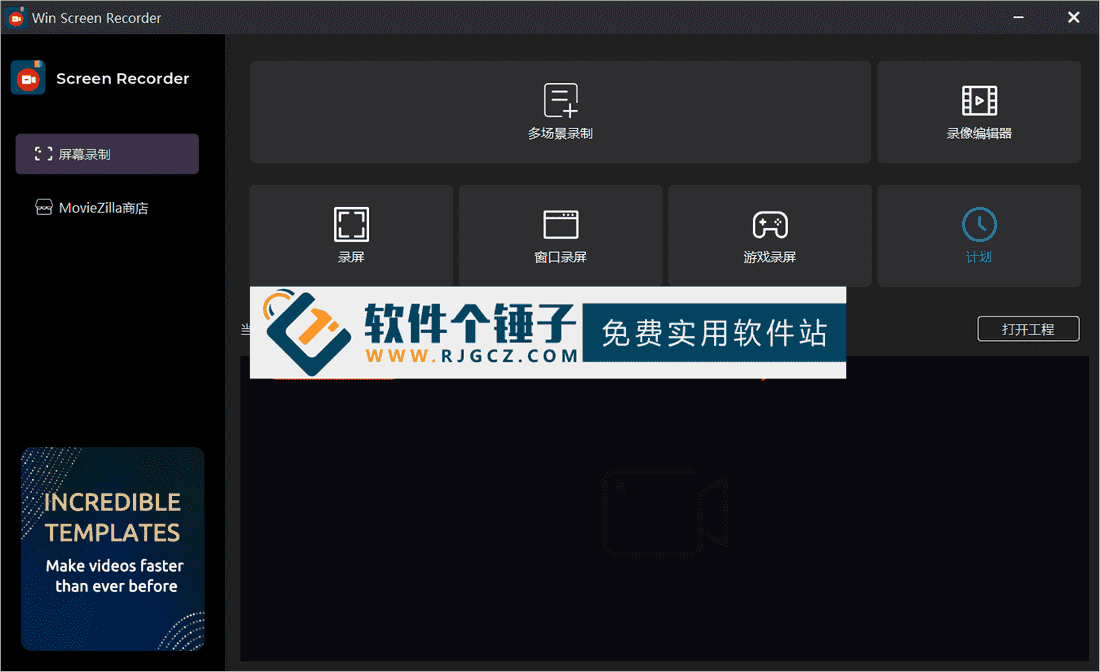
LAN Printer Share Tool v2.0.3.9 (Free)
-
Game Gold-Farming Money-Making Plan: Earn 1k+ Daily, a Stable 3-Year Project Anyone Can Do in Spare Time [Revealed]
Study material — included with membership Get Membership -
Hot-game fully-automated earning: 500+ a day, no experience, simple operation - the steadiest long-term game-earning side hustle (revealed)
Study material — included with membership Get Membership -
FlyingMouse earns merit this time! Don't panic at Windows format problems — the open-source FlyingMouse format conversion tool helps, a popular GitHub gem
Study material — included with membership Get Membership -
Douyin Product-Selling Coaching Bootcamp: No On-Camera Appearance Needed, Newbies Can Produce Selling Short Videos by Following the Steps
Study material — included with membership Get Membership -
First-release game gold-farming money plan: 1K+ a day, ordinary people in spare time
Study material — included with membership Get Membership






-
FlyingMouse earns merit this time! Don't panic at Windows format problems — the open-source FlyingMouse format conversion tool helps, a popular GitHub gem
Study material — included with membership Get Membership -
LuDaShi v6.1024.4105.1121 Slim Single File
Study material — included with membership Get Membership -
2D Cartoon Animation Software Moho Pro v14.3
Study material — included with membership Get Membership -
Video Editor Aiseesoft Filmai v1.0.18
Study material — included with membership Get Membership -
To-Do Microsoft To Do v2.147 Free
Study material — included with membership Get Membership -
PR/AE/DaVinci/FCPX video Plugin Nobe OmniScope Win1.11.15 / Mac1.10.138
Study material — included with membership Get Membership





In office, school and other LAN environments, printer sharing often becomes a major productivity obstacle due to tedious steps and compatibility issues. LAN Printer LPD Share One-Click, a lightweight tool focused on the LPD (line printer daemon) protocol, leverages one-click setup, multi-system compatibility and reliability to thoroughly simplify printer sharing, giving LAN users an efficient, convenient printing solution.
\ \
1键-izationoperationsbodycheck
\ \simple-izationmatchhandleprocess
\ \Traditional LPD sharing requires manually configuring IP address, port mapping and permissions — non-experts easily make mistakes. With this tool, admins just pick the target printer, set a share name and click 'enable sharing', and it auto-completes LPD deployment and parameter setup — the whole process takes under 30 seconds.
\ \Flexible permission management
\ \It has built-in share-permission management, flexibly setting 'access only by specified IPs' or 'share with the whole LAN' — balancing convenience and security.
\ \广泛兼contentnaturesupport
\ \allsystem覆盖
\ \It fully supports Windows XP through 11, and both 32-bit and 64-bit architectures — no worry about version differences breaking sharing.
\ \Old device optimization
\ \For older network printers, the built-in LPD optimization improves transfer stability, reducing interruptions and garbled output and extending device life.
\ \Lightweight design advantages
\ \Extremely low resource usage
\ \As a lightweight tool, the installer is under 2MB, has no ad plugins, and uses under 50MB RAM while running — no extra performance burden.
\ \Simple and easy-to-use interface
\ \The UI is clean with detailed guidance popups, so even first-timers pick it up fast.
\ \Detailed usage guide
\ \Server-side configuration
\ \On the server machine connected to the printer, run the server program, choose the printer to share, and click 'Start Setup'. On success, it auto-generates a config file Server_Printer_Config_printername.ini plus the matching driver package folder (x64 for 64-bit, x86 for 32-bit). If you select multiple printers, it creates multiple config files and driver folders.
\ \Client installation
\ \On a client needing the shared printer, copy the client program, config and driver package to the target, run the client, choose the printer to add, and click 'start' — printer install completes fully automatically.
\ \Using custom drivers
\ \To use your own drivers, create the standard folder structure in the program's directory (printer-name\\x64 for 64-bit, printer-name\\x86 for 32-bit) and copy the extracted driver files in. The program will prefer these and no longer extract drivers from the system.
\ \Troubleshooting
\ \Basic troubleshooting steps
\ \If printing fails after adding the printer, try: first restart the server, then restart the client and reconnect; or change the connection mode (set Connect_Mode from 1 to 0 in the config), re-add the printer and retry.
\ \Advanced troubleshooting
\ \Switch the client driver version (even for the same make/model, drivers differ; thoroughly remove the old driver first), then re-add the printer. If all the above still fails to print, the printer itself may not support this sharing mode.
\ \Application scenarios
\ \Whether in SMB offices, school computer labs or small studios, LAN printer LPD sharing one-click achieves efficient print sharing through minimal operation, becoming a practical tool for teamwork. It transforms the complex setup of traditional printer sharing into something simple and reliable, delivering a true plug-and-play experience.
\ \ \ \Related Courses
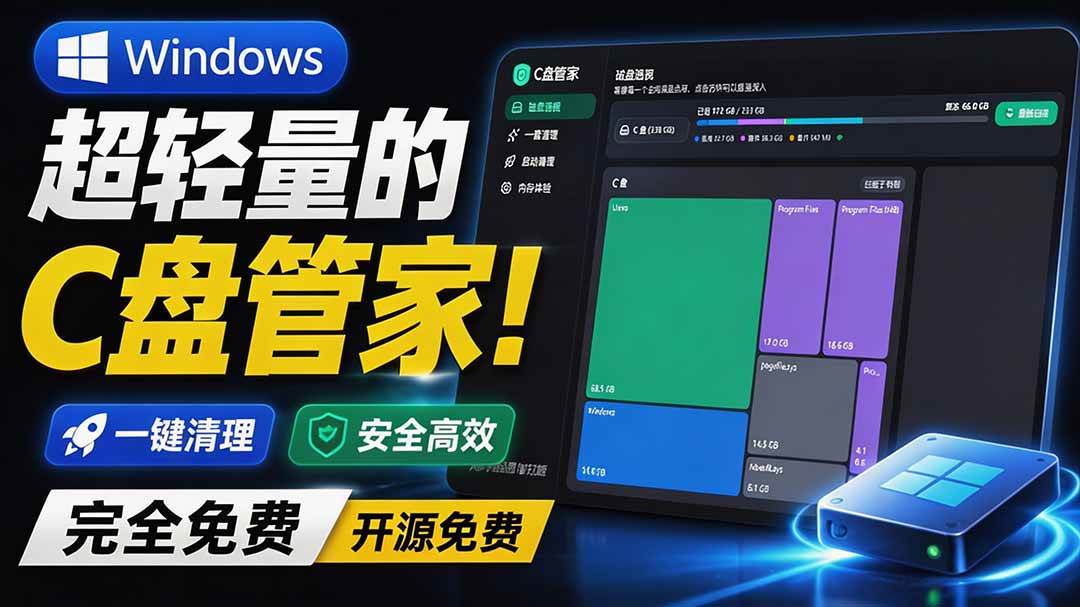
Super-lightweight C-Drive Manager for Windows! Very distinctive: disk analysis and cleanup reminders, 2MB size, completely free

Reinstall Without a USB Drive! This Tool Lets Newbies Quickly Reinstall Windows, Supports Unattended Setup, Data-Safe—CmzPrep_Rev2

A GitHub speed-up tool! Open GitHub faster, auto-responding to the fastest node - a lightweight open-source tool: Ghips

EasyRC: one-click Windows reinstall without USB, backup and restore included

Permanently Block Windows 10/11 Updates: Huawei Tool, Avoid Frequent Win Update Problems
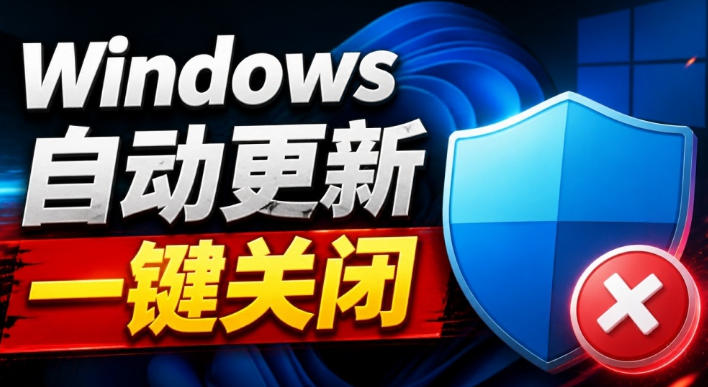
Windows 7/10/11 System Update Blocker Is Here! Only 400KB, One-Click Disable System Updates and Restore Updates, Compact and Easy to Use

Stop Deleting Files Randomly! C Drive Red Alert Savior: Deep Cleanup + System Optimization, Works on Windows/macOS!

Office Fully-Automatic One-Click Deployment Installer, up to 2024, Customizable Components, Built-in Activation, All Free - Mocreak

Windows System Reinstall Tool, Supports Local Image File Install and Backup, Simple to Use, Safe and Stable, Supports All Scenarios

PC Acting Up? Newbie-Essential Driver Repair Tool—One-Click Update & Fix Driver Issues, It’s That Simple

