
















PDFfilecanseenotcan改?改textcharacteralsowantswitch tobecomeWordagainguidereplaycome
\ \At work this happens often: you get a PDF contract needing a few edits, but only have a free PDF reader that can view not edit, so you must convert to Word. After conversion the layout breaks, and reformatting takes ages. Or you get a scanned PDF; to copy the text you find it's all images, so you must retype manually.
\ \If you often face these situations, you need more than a PDF reader — you need a tool that truly edits PDFs like Word docs.
\ \youcanholdit当becomea“PDFversiontargetWord”
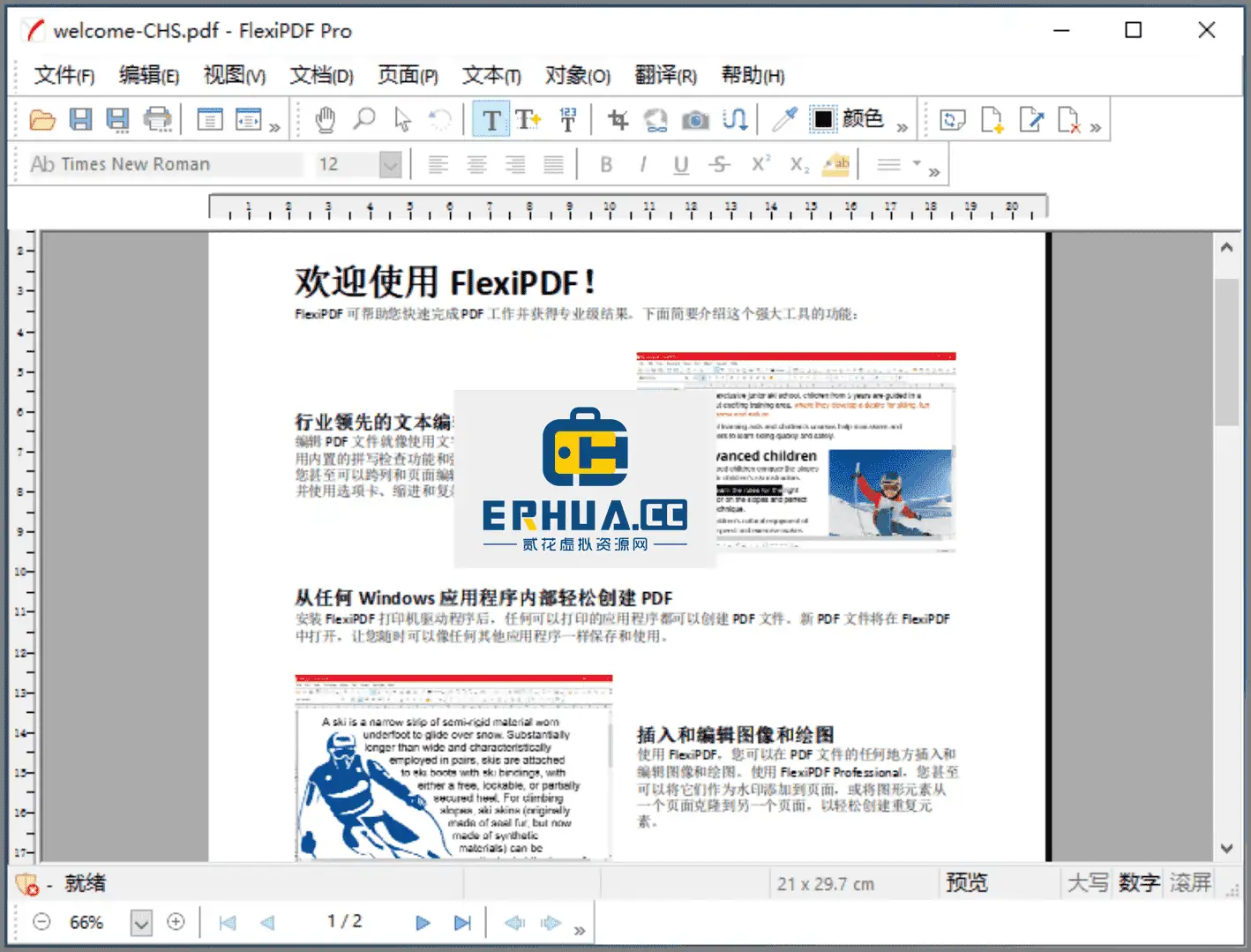
\ \Essentially a professional PDF editor, its core experience is: you click text right in the PDF to edit, delete or add — as smoothly as editing in Word. No format conversion, no back-and-forth. Beyond that, it integrates OCR (turn scanned PDFs into editable text), format conversion (PDF to Word/Excel/PPT), form creation, page management and document encryption. Overall, it's a fairly complete PDF toolkit.
\ \What problems can it solve for you?
\ \① straightconnectmodifyPDFinsidetargettextcharacterandpicturepiece
\ \After receiving PDFs like contracts, reports or resumes, if you spot typos or need updated data, just double-click text to edit — no Word conversion. Insert images, adjust positions and change font size right in the PDF; save directly, keeping the original layout.
\ \② scanversionPDFalsocanswitch tobecomemayedittargettextcharacter
\ \Built-in OCR recognizes text in scanned image PDFs or photo PDFs, turning it into copyable, editable text. Great for digitizing old documents and paper materials.
\ \③ PDFswitch toWord、Excel、PPT,doubletoswitch tochange
\ \It converts PDFs to Word, Excel and PowerPoint for further editing in office apps. Conversely, it converts these office docs to PDF for distribution. Layout is well preserved, so you needn't spend much time reformatting.
\ \④ givePDFplusdensecode、settingspowerlimit
\ \It supports AES encryption — set an open password and restrict editing, printing and copying. For contracts, quotes and important docs you send out, add protection against casual editing or copying.
\ \Who can use this tool?
\ \Office staff often handle contracts, bids and reports in PDF; when editing content or converting formats, it saves much effort versus traditional methods. Lawyers, finance and HR who need to edit PDF text or apply encryption will also find it suitable. If you often receive scanned documents and want fast text extraction, its OCR comes in handy. It supports both Windows and Linux, making it an option for Linux users wanting a comprehensive PDF editor. Overall, this is a professional-oriented PDF editor with fairly comprehensive coverage.
\ \In summary
\ \\ \ \ \ \ \SoftMaker FlexiPDF Pro is a professional PDF editor that lets you directly modify text and images in a PDF like a Word document, integrating OCR, format conversion, form creation, page management and document encryption. If you need a fairly comprehensive PDF editor, it's a practical choice. Supports Windows and Linux.










