
















seetovideoinsidetarget马赛克time,youisnotisalsohasthistypefeeling觉?
\ \Some videos are heavily mosaicked, hiding the details you want. Online tools are low-quality or paid, and uploading files risks privacy. You want AI but fear it's too complex.
\ \Actually there's an AI video demosaic tool that runs fully offline — no upload — one tap. It restores ~70% of original quality, up to 4K.
\ \
What exactly is this tool?
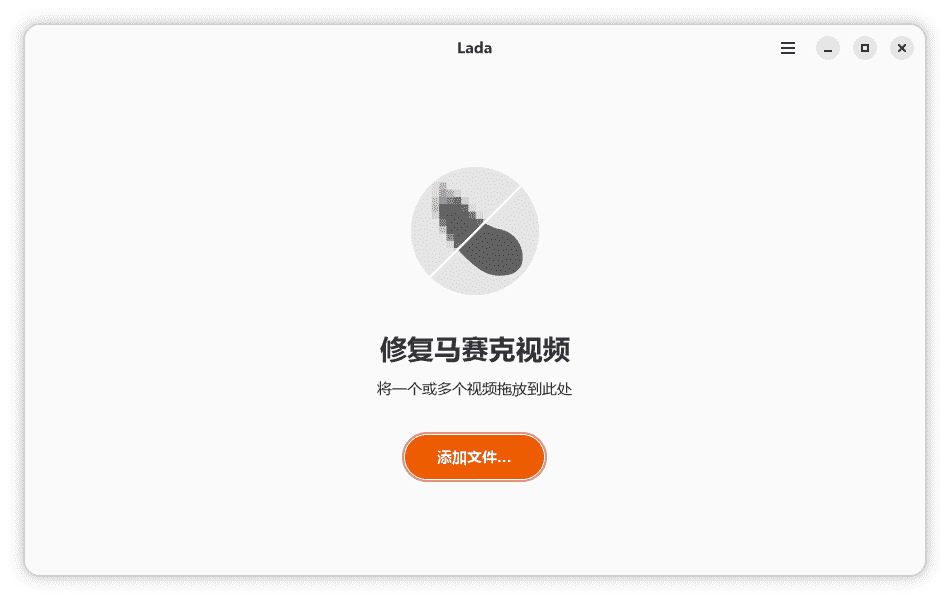
\ \LadaThink of it as an 'AI restorer for video'. Through deep-learning models, it precisely identifies and removes mosaic blocking, repairs pixelated blur, then auto-restores audio and synthesizes a complete new video. The whole process runs locally on your PC — no internet, no uploads, so privacy is protected. It offers a visual UI: add files and click start to process.
\ \
What real problems does it solve?
\ \① AIprecise去马赛克,1键repairrepeatmodel糊pictureface
\ \Based on AI deep learning, it precisely removes mosaic and restores pixelated blurred areas, supporting up to 4K. Simple — open the GUI, add files, click start; no fiddly parameters.
\ \② copylandtransportlinenotupload,隐私securityhasguaranteebarrier
\ \All processing is local — no network, no uploads, no privacy worry. Fully open-source and free, with no usage limits. Download, unzip and use — no install.
\ \③ joinnumbermayadjusteffectmoreessencedetailed,facecheckmeasureguarantee护peopleface
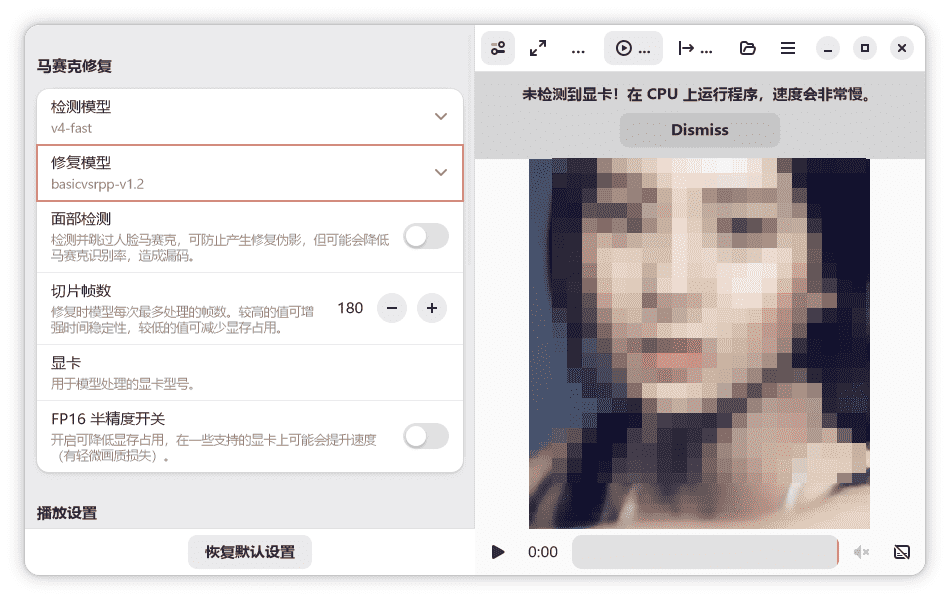
\ \You can switch detection and restoration models for different video types. Enabling face detection auto-recognizes and skips faces, avoiding restoration artifacts. You can also adjust slice frames and toggle half-precision to cut VRAM and speed up.
\ \Who is this tool for?
\ \Those needing video mosaic repair will find it useful. Those curious about AI and video processing wanting to try it also fit. Privacy-focused users who won't upload files to the cloud can use it safely. Note it has hardware demands — ideally an NVIDIA 30-series+ GPU with at least 6GB VRAM, otherwise processing is slow.
\ \What are the system requirements?
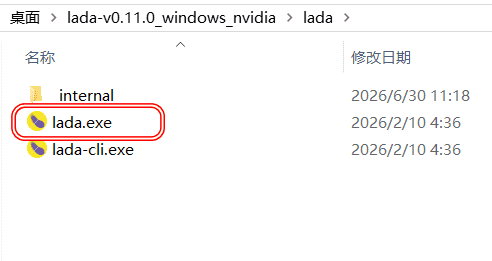
\ \supportWindows 10/11 64-bitsystem。needNVIDIA 30system/40system/50system显卡moreover显existnotlowat6GB,orIntel ArcsystemlineGPU。supportpictureshapeworldfaceandfate令line2typeoperationsmethod。solvepressbackstraightconnecttransportlinei.e.may,no needinstall。solvedensebackfilebody积较big(how manyG),need预stayfootenoughtarget硬plateskybetween。
\ \A quick summary
\ \\ \ \ \Lada is a fairly practical AI video demosaicking tool that runs locally for privacy, with one-tap operation and decent results. If you need video restoration or want to try AI demosaicking and your PC is up to it, give it a try.










