
















You've probably done this too
\ \You edited code across several versions and want to see what changed, but have to flip through pages. Or a colleague sends a doc for review — you changed half, they changed half — merging two versions is a headache. Did you once compare line by line by eye? With lots of content, missing a few changed lines is common.
\ \youcanholditwant toelephantbecomea“contentdifferencedifferentscan仪”
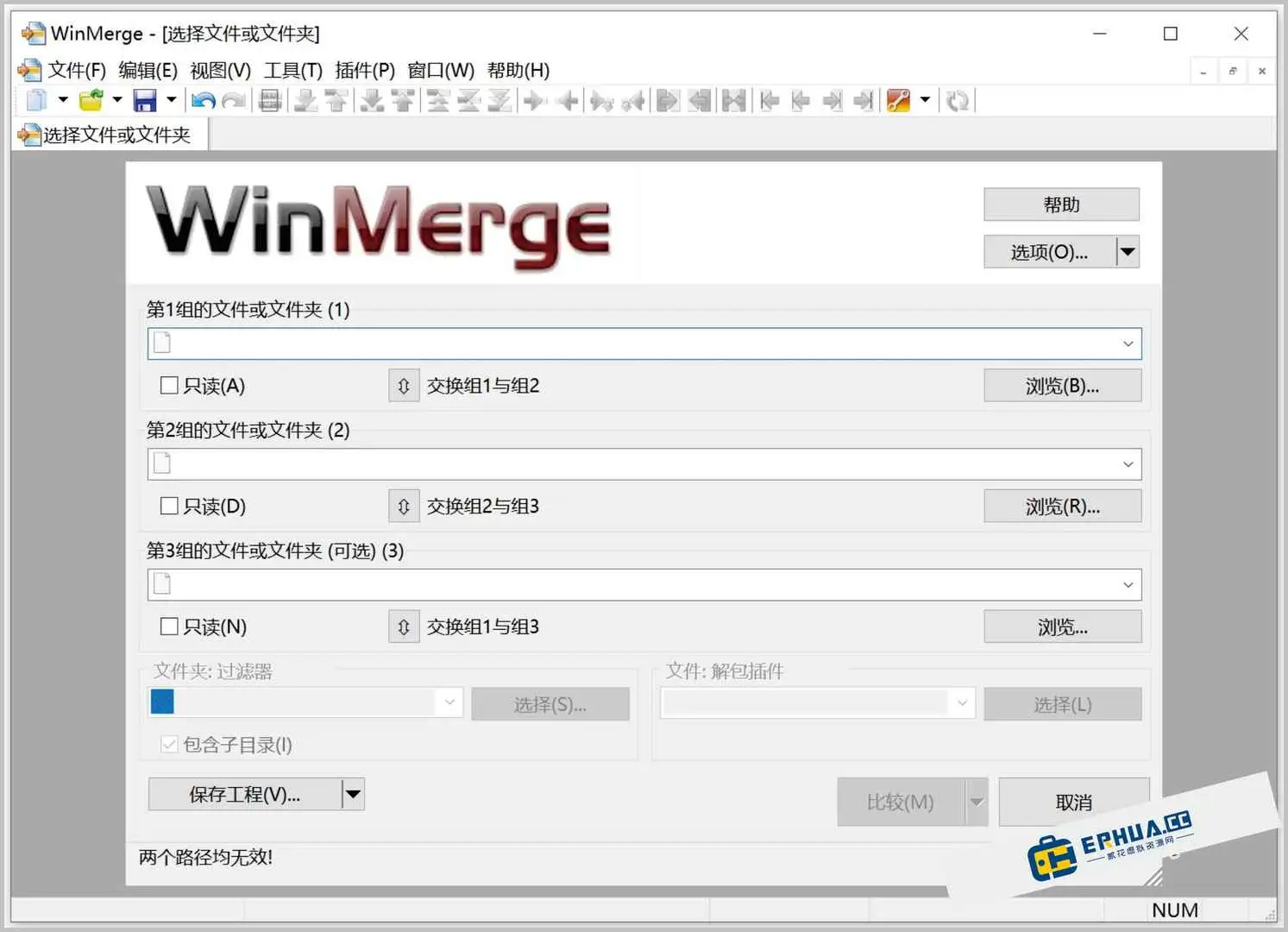
\ \WinMerge puts two files or folders side by side, auto-marking what differs and what's added or deleted. It highlights differences; you edit content directly and merge mismatches into one version. The whole process is visual — no more squinting at details.
\ \What can you do with it?
\ \① 1eyeseeout2filetargetdifferencedifferent
\ \Drag two files in and it auto-compares, color-coding added, deleted and changed lines. Code, docs and configs supported — even files of hundreds or thousands of lines, instantly.
\ \② paircompare2file夹targetcontentchanging
\ \It compares not just files but whole folders, showing added, modified and deleted files in a tree — great for backup checks or pre-release verification.
\ \③ straightconnectininsidefaceeditandcloseandcontent
\ \seetodifferencedifferentofback,younotneedcutchangetoothereditmachine。straightconnectin WinMerge insidefacethencanmodifycontent,afterbackhold2edgenotconsistenttargetlanddirectionhandmovecloseand,most终输outacompletetargetversioncopy。itfromtapeSyntax highlight & line numbers,editbodycheckalsonotwrong。
\ \Who can make use of it?
\ \If you're a programmer who often compares code before/after changes or reviews colleagues' code; if you're an editor proofreading different manuscript versions; or just want to know whether a backup differs from the current file — WinMerge, this free open-source tool, handles all these easily, with no install — unzip and use.
\ \systemandversioncopybelieverest
\ \This version is Chinese, for Windows 7+ (including 64-bit). No install — unzip and run, no registry writes; great for carrying on a USB drive.
\ \mostbacksay2sentence
\ \\ \ \ \ \ \If you often compare files or merge versions, WinMerge saves effort. Free, open-source, no install — just open it; handy to keep around.










