


Categories
See All >
-
Solo Business Courses
-
 Others
-
Overseas Tutorials
-
Photography & Editing
-
Community & Private Domain
-
Self-Media Writing & Copywriting
-
Side Income Projects
-
E-commerce
-
Short Video & Live Streaming
-
Artificial Intelligence (AI)
-
Software & Tools
-
Operating Systems
-
Plugins & Scripts
-
MacOS Software
-
Android Software
-
Windows Software

Master PS + AI in 2 Months: From Beginner to Design Pro
📚Video Course
🕒Last updated: 02/07/2025
👥Entrepreneurs / Self-media creators / Cross-border e-commerce sellers / Side-hustlers
Study material — included with membership
Unlock Course with Membership
🔓
Get this course for reference study with membership
📦
Join membership — study all 16741 courses & software tools as reference
🔄
Courses keep updating — members study new material as it arrives
Share:
Top Selling Courses
-
Game Gold-Farming Money-Making Plan: Earn 1k+ Daily, a Stable 3-Year Project Anyone Can Do in Spare Time [Revealed]
Study material — included with membership Get Membership -
Hot-game fully-automated earning: 500+ a day, no experience, simple operation - the steadiest long-term game-earning side hustle (revealed)
Study material — included with membership Get Membership -
FlyingMouse earns merit this time! Don't panic at Windows format problems — the open-source FlyingMouse format conversion tool helps, a popular GitHub gem
Study material — included with membership Get Membership -
Douyin Product-Selling Coaching Bootcamp: No On-Camera Appearance Needed, Newbies Can Produce Selling Short Videos by Following the Steps
Study material — included with membership Get Membership -
First-release game gold-farming money plan: 1K+ a day, ordinary people in spare time
Study material — included with membership Get Membership






Top Selling Software Tools
-
FlyingMouse earns merit this time! Don't panic at Windows format problems — the open-source FlyingMouse format conversion tool helps, a popular GitHub gem
Study material — included with membership Get Membership -
LuDaShi v6.1024.4105.1121 Slim Single File
Study material — included with membership Get Membership -
2D Cartoon Animation Software Moho Pro v14.3
Study material — included with membership Get Membership -
Video Editor Aiseesoft Filmai v1.0.18
Study material — included with membership Get Membership -
To-Do Microsoft To Do v2.147 Free
Study material — included with membership Get Membership -
PR/AE/DaVinci/FCPX video Plugin Nobe OmniScope Win1.11.15 / Mac1.10.138
Study material — included with membership Get Membership





Course intro
\This course is built for students who want to master Photoshop and Illustrator design skills, covering the full system from zero basics to commercial-grade design. Whether you want to lift your design ability or turn design into a side hustle, this bootcamp helps you steadily master core skills.
\What you'll learn:
\- \
- Photoshop (PS) basics and advanced techniques \
- Illustrator (AI) design applications and commercial practice \
- Color grading, retouching & beauty fixes, plugin workflows, and other efficient pipelines \
Visual posters, typography, brand logos, illustration, and other hands-on projects\
Through 2 months of systematic study, you'll independently produce high-quality, professional-grade design work!
\Course outline
\🔹 Stage 1: PS basics & commercial design
\1. Beginning the design journey
\- \
- Bootcamp overview to quickly understand the content \
- Intro to design software and the PS interface \
2. Photoshop intro
\- \
- PS basics — a beginner's first step \
- How to make money with PS and monetize the skill \
- Jump right in and finish your first small exercise \
3. Practical PS skill upgrade
\- \
- Retouching & beauty fixes: master the essential PS tools \
- Commercial retouching: detail work that makes work exquisite \
- The design side-hustle guide: how to take orders with your skills \
4. Poster design & color grading
\- \
- PS poster-making techniques for eye-catching visuals \
- Artistic double-exposure poster practice \
- Color-grading tools: master color schemes and visual mood \
🔹 Stage 2: AI (Illustrator) design practice
\6. Illustrator intro
\- \
- AI basics to quickly grasp core features \
- Design pixel-style typography for a unique visual feel \
7. Typography, logos & icon design
\- \
- "A character worth a fortune" — how to build recognizable typography \
- Build a logo in AI and construct brand visual identity \
- Icon design basics: draw high-quality icons in AI \
10. Design optimization & career development
\- \
- 10 techniques to lift work quality \
- A brand-logo design guide for commercial-grade visual solutions \
- Course summary: how to keep refining your design path next \
Why choose this course?
\- \
- Zero-basis friendly: From software operations to commercial design, step by step, easy to start \
- Efficient learning: A systematic knowledge architecture that helps you master core skills in a short time \
- Commercial practice: Real cases ensure you can apply what you learn immediately \
- Career development: It teaches not just design but how to monetize it and start your design side hustle \
If you want design to become your core competitive edge, this course is your top choice for starting and leveling up!
Related Courses

Study material — included with membership
Get Membership
Family Comedy Short-Drama Creation Course: Benchmark Hot Accounts, AI-Assisted, Fast Start for Total Beginners, Grow Followers and Drive Product Sales

Study material — included with membership
Get Membership
Amazon AI Automation Practical Course: AI Operating Mindset, Setting Up the Codex Environment, Risk-Control Checks and Automated Listing Copy

Study material — included with membership
Get Membership
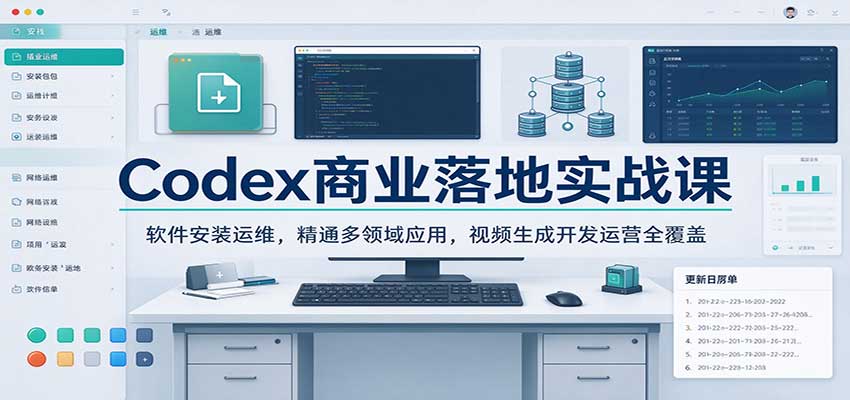
AI E-Commerce Data Tool Development Course: Learn Codex+BI From Zero, Build a Multi-Store Integrated Visualization Dashboard

Study material — included with membership
Get Membership
Advanced AI Prompt Application: 15 Lessons | Universal Instruction Thinking + Multiple Output Modes + Full Industry Commercial Cases
Study material — included with membership
Get Membership
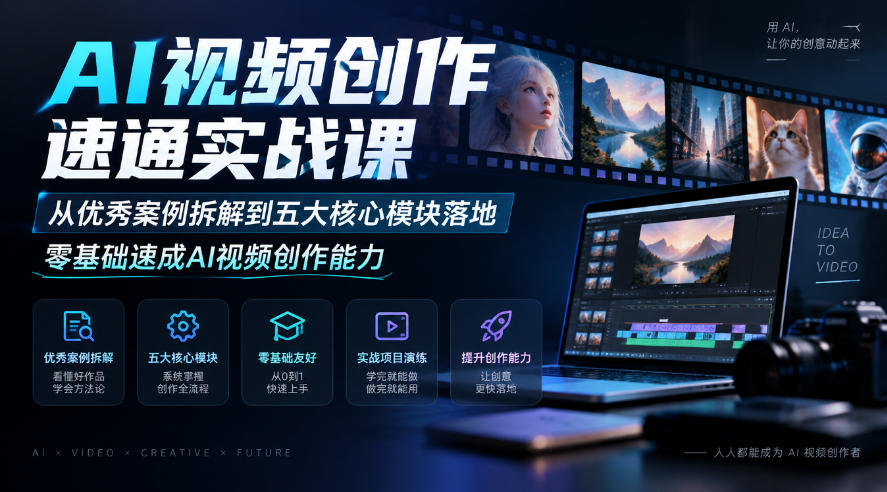
AI Video Creation Crash Course: From Great-Case Breakdown to Five Core Modules, Fast-Track AI Video Skills for Total Beginners

Study material — included with membership
Get Membership
AI Commercial Practice System Course: In-Depth SD Mastery + Advanced Flux Hands-On + Comfyui Workflow Building, Full Commercial Design Project Training

Study material — included with membership
Get Membership
[National-Day Pick] AI Automation Game, 1k+ RMB a Day, Simple to Operate, Stable for Three Years! [Revealed]


China Projects — one person, one company. No team, no middlemen. Every model here is already proven in China. Join the membership, study it as reference, and launch it locally in your country.
