


-
Solo Business Courses
-
 Others
-
Overseas Tutorials
-
Photography & Editing
-
Community & Private Domain
-
Self-Media Writing & Copywriting
-
Side Income Projects
-
E-commerce
-
Short Video & Live Streaming
-
Artificial Intelligence (AI)
-
Software & Tools
-
Operating Systems
-
Plugins & Scripts
-
MacOS Software
-
Android Software
-
Windows Software

One Software to Easily Record & Stream Courses From Home (OBS Tutorial) — Virtual Live Room, Recording & Streaming Tool
-
Game Gold-Farming Money-Making Plan: Earn 1k+ Daily, a Stable 3-Year Project Anyone Can Do in Spare Time [Revealed]
Study material — included with membership Get Membership -
Hot-game fully-automated earning: 500+ a day, no experience, simple operation - the steadiest long-term game-earning side hustle (revealed)
Study material — included with membership Get Membership -
FlyingMouse earns merit this time! Don't panic at Windows format problems — the open-source FlyingMouse format conversion tool helps, a popular GitHub gem
Study material — included with membership Get Membership -
Douyin Product-Selling Coaching Bootcamp: No On-Camera Appearance Needed, Newbies Can Produce Selling Short Videos by Following the Steps
Study material — included with membership Get Membership -
First-release game gold-farming money plan: 1K+ a day, ordinary people in spare time
Study material — included with membership Get Membership





-
FlyingMouse earns merit this time! Don't panic at Windows format problems — the open-source FlyingMouse format conversion tool helps, a popular GitHub gem
Study material — included with membership Get Membership -
LuDaShi v6.1024.4105.1121 Slim Single File
Study material — included with membership Get Membership -
2D Cartoon Animation Software Moho Pro v14.3
Study material — included with membership Get Membership -
Video Editor Aiseesoft Filmai v1.0.18
Study material — included with membership Get Membership -
To-Do Microsoft To Do v2.147 Free
Study material — included with membership Get Membership -
PR/AE/DaVinci/FCPX video Plugin Nobe OmniScope Win1.11.15 / Mac1.10.138
Study material — included with membership Get Membership





Welcome to "Easily Record & Stream Courses: OBS Software Tutorial" — a practical guide to mastering course recording and live streaming, whether you work from home or teach, so you get twice the result!
\Course outline:
\Basics:
1. Why use OBS? Unlock OBS's charm and see why choose it.
2. How to join the group and download asset tools? Learn to get assets and lift efficiency.
3. What hardware does a virtual live room need? Understand the basic gear for a virtual room.
4. What software does virtual-room course recording need? Explore the essential software.
Virtual room setup:
5. OBS basic recording & hotkey setup: master basic recording and shortcuts.
6. How to build a virtual live room in OBS? Step-by-step building of a virtual live space.
7. How to put your PPT into OBS frames: embed PPT in OBS for better live results.
8. How to record PPT + real-person virtual-set courses? Learn the method.
9. How to record courses without a green screen? Master easy no-green-screen techniques.
10. Turn your phone into a PC camera: one phone handles recording, streaming, and online classes!
Settings & adjustments:
11. How to set OBS to output HD video? Learn HD output for a better viewing experience.
12. How to set up fast multi-scene switching? Make operations smoother.
13. OBS monitor-display connection: master the connection to lift efficiency.
14. Camera not HD? Beauty not good enough? You're missing this little tool!
15. OBS microphone background-noise removal: learn to cut mic noise and lift audio.
Live presentation:
16. How to use OBS for Douyin live course selling? Hands-on Douyin live teaching to make you a pro.
17. How to register on Xuelang, upload courses, and sell on Douyin? Unlock the Xuelang flow.
18. Vertical OBS setup + Douyin live tips: learn vertical OBS setup for better Douyin results.
Bonus lessons:
19. How Douyin's official micro-courses are made: unlock the method.
20. How to read your script while recording/streaming with PPT: improve your delivery.
21. OBS circular-avatar recording/streaming method: add more variety.
This course covers every aspect of course recording and live streaming, taking you from beginner to pro — easily mastering live skills and becoming a live expert!
Related Courses

Xiaohongshu IP Gold-Mining Bootcamp: Master Topic Selection, Copywriting, Shooting & Editing, and Viral Operations with Private-Domain Monetization



Douyin Emotional-Card GIF Practical Course: Phone Production + Livestream Tactics, Unlock GIF Traffic Monetization
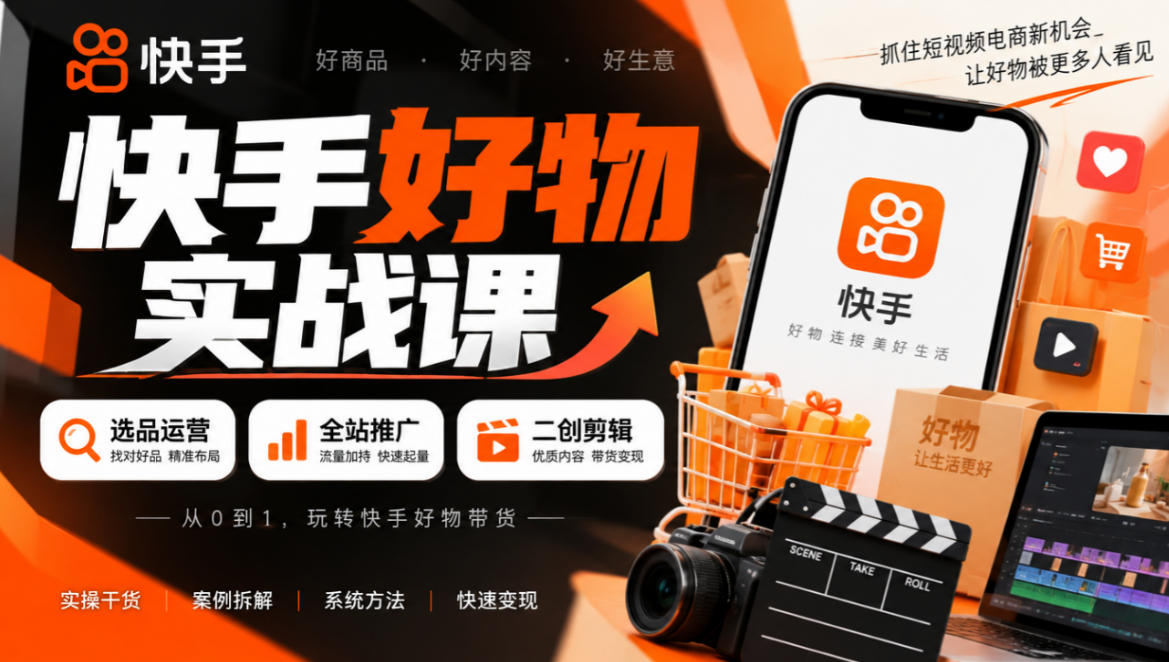
Kuaishou Good-Stuff Practical Course: Product Selection & Operations + Site-Wide Promotion + Re-Creation Editing for Affiliate Sales


Bilibili short-video product-promo dividend: free teaching plus managed operation, two playbooks, single-account seven-day income 1200-3600

Xiaohongshu electronic-resource category opening tutorial: targeted-access rules, qualification materials and the self-recommendation submission flow

Game Gold-Farming Money-Making Plan: Earn 1k+ Daily, a Stable 3-Year Project Anyone Can Do in Spare Time [Revealed]
