


-
Solo Business Courses
-
 Others
-
Overseas Tutorials
-
Photography & Editing
-
Community & Private Domain
-
Self-Media Writing & Copywriting
-
Side Income Projects
-
E-commerce
-
Short Video & Live Streaming
-
Artificial Intelligence (AI)
-
Software & Tools
-
Operating Systems
-
Plugins & Scripts
-
MacOS Software
-
Android Software
-
Windows Software
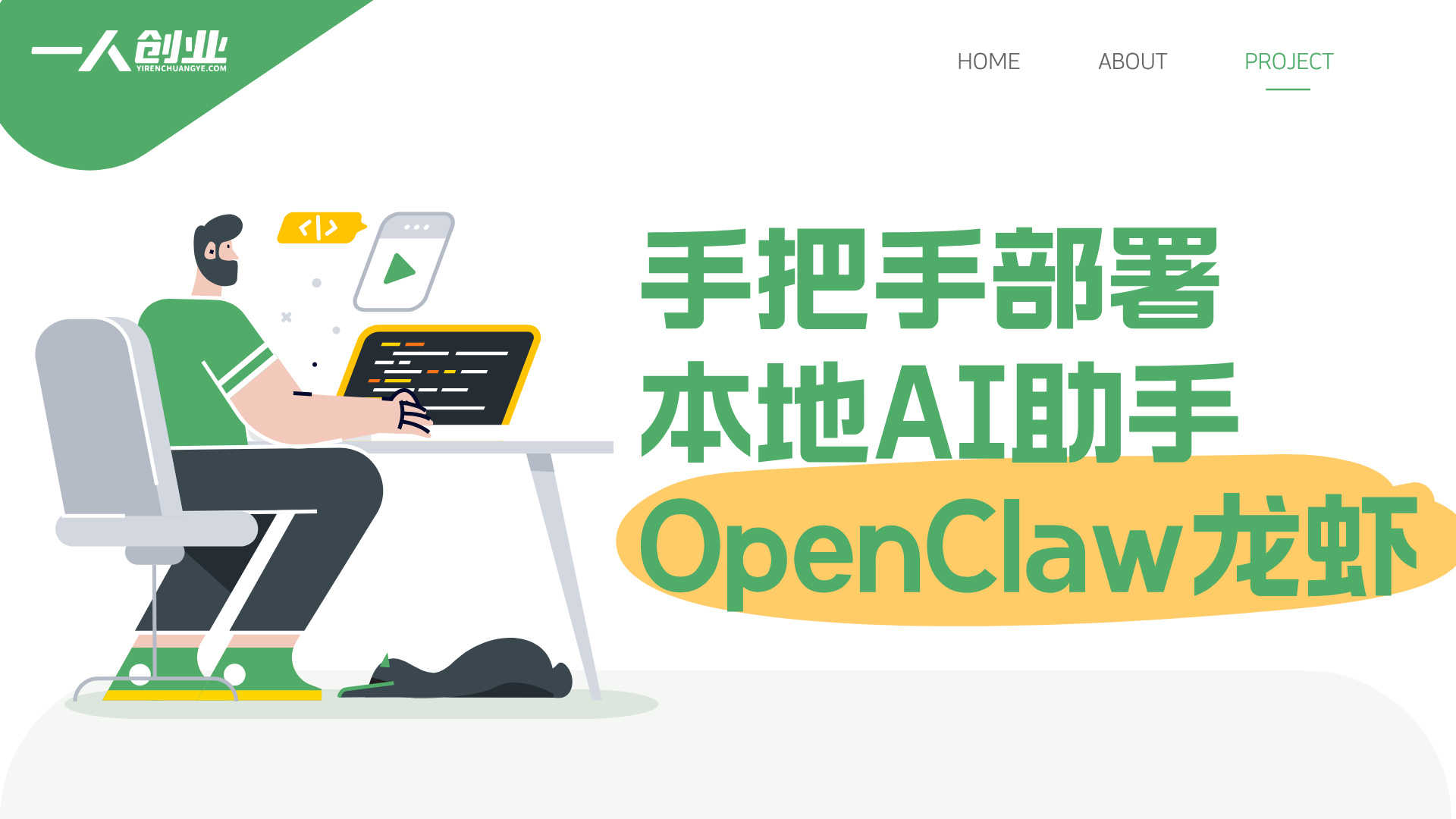
[Updated] OpenClaw Shrimp-Farming Journal: Deploy a Local AI Assistant, Beginner Friendly
-
Game Gold-Farming Money-Making Plan: Earn 1k+ Daily, a Stable 3-Year Project Anyone Can Do in Spare Time [Revealed]
Study material — included with membership Get Membership -
Hot-game fully-automated earning: 500+ a day, no experience, simple operation - the steadiest long-term game-earning side hustle (revealed)
Study material — included with membership Get Membership -
FlyingMouse earns merit this time! Don't panic at Windows format problems — the open-source FlyingMouse format conversion tool helps, a popular GitHub gem
Study material — included with membership Get Membership -
Douyin Product-Selling Coaching Bootcamp: No On-Camera Appearance Needed, Newbies Can Produce Selling Short Videos by Following the Steps
Study material — included with membership Get Membership -
First-release game gold-farming money plan: 1K+ a day, ordinary people in spare time
Study material — included with membership Get Membership






-
FlyingMouse earns merit this time! Don't panic at Windows format problems — the open-source FlyingMouse format conversion tool helps, a popular GitHub gem
Study material — included with membership Get Membership -
LuDaShi v6.1024.4105.1121 Slim Single File
Study material — included with membership Get Membership -
2D Cartoon Animation Software Moho Pro v14.3
Study material — included with membership Get Membership -
Video Editor Aiseesoft Filmai v1.0.18
Study material — included with membership Get Membership -
To-Do Microsoft To Do v2.147 Free
Study material — included with membership Get Membership -
PR/AE/DaVinci/FCPX video Plugin Nobe OmniScope Win1.11.15 / Mac1.10.138
Study material — included with membership Get Membership






Posted:March 26, 2026
\🏷️ Course Type:AI-Tool Deployment / Localized Application / Newbie Onboarding
\Core ToolsOpenClaw (OpenCrewAI)
\Target AudienceAI newbies, non-tech-background users, individuals hoping to have a local AI assistant, rookies interested in automated office.
\Course HighlightsNewbie-friendly, full hand-holding, domestic-model deep integration, phone remote command, local deployment privacy-secure.
\Are you stilltroubled by complex AI-tool configurationyet longing for aobedient, capable, and entirely your own smart assistant? The 'OpenClaw Shrimp-Rearing Practice Series' is precisely tailor-made for you—thezero-threshold onboarding guide . This series will thoroughly break the stereotype that 'deploying AI requires a high-spec PC and programming knowledge,'hand-in-hand guiding you through OpenClaw (Lobster)'s localized deployment and deep customization from 0 to 1。
\You will systematically learncompleting Node.js environment setup and OpenClaw core installation on Windowsmasterperforming key configuration through the Onboarding wizard, and dive deep intohow to connect free domestic LLMs (such as StepFun, Tsinghua Zhipu), as well asconfiguring Feishu and other communication tools as your 'mobile command post' . The course aims to help youbuild an all-around assistant that resides locally, is on call 24/7, can deeply understand Chinese commands, and autonomously handle tasks , letting you truly experience the efficiency revolution of 'just move your lips, and AI runs its legs off'—theefficiency revolution , empowering personal efficiency improvement and professional competitiveness.
\Course Core Content Catalogue
\Chapter 1: Understanding and Setting Sail—Unveiling OpenClaw's Mysterious Veil
\- \
- 1. What Is OpenClaw: Your Local-First Personal Smart Assistant \
- 2. Environment Preparation: Node.js Install and Verification on Windows \
- 3. Core Install: Using NPM Commands to Deploy OpenClaw's Latest Version \
- 4. First Setting Sail: Running the Onboarding Wizard to Complete Basic Configuration \
Chapter 2: Connection and Empowerment—Building Your AI Command System
\- \
- 5. Model-Connection Practice: Acquiring and Configuring a Free API Key on OpenRouter \
- 6. Free-Model Selection: Exploring and Configuring StepFun, NVIDIA, and Other Powerful Free Models \
- 7. Mobile command-center setup: creating a Feishu test app and configuring WebSocket connection \
- 8. Skill expansion: optionally adding password management, speech-to-text, and other practical Skills as needed \
Chapter 3: Verification and Use — Opening a New Chapter of Intelligent Collaboration
\- \
- 9. Service restart and verification: ensuring the OpenClaw gateway service runs successfully \
- 10. Model switching and management: using the command line to scan, view, and switch configured models \
- 11. Login and use: through the TUI interface or Feishu, start commanding your 'lobster' assistant to work \
💡 Learning Tips:
The tutorial content is based on the OpenClaw version, Node.js environment, and related API services (such as OpenRouter) at publication time. Software versions and platform policies may update; when practicing, refer to the latest official docs, flexibly adjusting installation and configuration steps to ensure successful deployment.
[April 1, 2026] Updated content
\🕒 Update time: April 1, 2026
\Add the following sections:
\- \
- How to bind and pair the OpenClaw desktop with Feishu? \
- How to bind and pair OpenClaw with mobile Feishu? \
- How to upgrade OpenClaw? \
📋 Update Key Points:
\- \
- Detailed explanation of OpenClaw's complete binding-configuration flow with Feishu desktop, including adding a Channel, configuring security credentials, and other steps \
- Demonstrating the pairing method of mobile Feishu with OpenClaw, the full process from getting the pairing code to completing authentication \
- Showing how to achieve cross-device collaboration through a Feishu bot, making OpenClaw an active intelligent assistant \
- Providing simple operation methods for upgrading the OpenClaw software, keeping system features up to date \
Related Courses

Family Comedy Short-Drama Creation Course: Benchmark Hot Accounts, AI-Assisted, Fast Start for Total Beginners, Grow Followers and Drive Product Sales

Amazon AI Automation Practical Course: AI Operating Mindset, Setting Up the Codex Environment, Risk-Control Checks and Automated Listing Copy

AI E-Commerce Data Tool Development Course: Learn Codex+BI From Zero, Build a Multi-Store Integrated Visualization Dashboard


Advanced AI Prompt Application: 15 Lessons | Universal Instruction Thinking + Multiple Output Modes + Full Industry Commercial Cases

AI Video Creation Crash Course: From Great-Case Breakdown to Five Core Modules, Fast-Track AI Video Skills for Total Beginners

AI Commercial Practice System Course: In-Depth SD Mastery + Advanced Flux Hands-On + Comfyui Workflow Building, Full Commercial Design Project Training

[National-Day Pick] AI Automation Game, 1k+ RMB a Day, Simple to Operate, Stable for Three Years! [Revealed]



