


-
Solo Business Courses
-
 Others
-
Overseas Tutorials
-
Photography & Editing
-
Community & Private Domain
-
Self-Media Writing & Copywriting
-
Side Income Projects
-
E-commerce
-
Short Video & Live Streaming
-
Artificial Intelligence (AI)
-
Software & Tools
-
Operating Systems
-
Plugins & Scripts
-
MacOS Software
-
Android Software
-
Windows Software
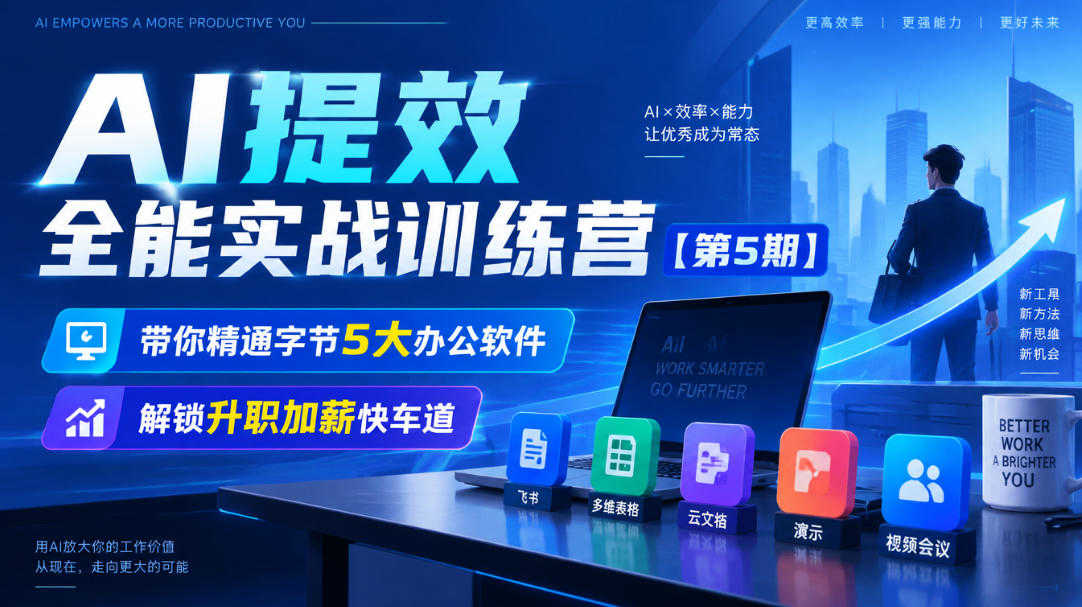
AI Efficiency-Boosting All-Around Practical Training Camp Session 5 practical tutorial
-
Game Gold-Farming Money-Making Plan: Earn 1k+ Daily, a Stable 3-Year Project Anyone Can Do in Spare Time [Revealed]
Study material — included with membership Get Membership -
Hot-game fully-automated earning: 500+ a day, no experience, simple operation - the steadiest long-term game-earning side hustle (revealed)
Study material — included with membership Get Membership -
FlyingMouse earns merit this time! Don't panic at Windows format problems — the open-source FlyingMouse format conversion tool helps, a popular GitHub gem
Study material — included with membership Get Membership -
Douyin Product-Selling Coaching Bootcamp: No On-Camera Appearance Needed, Newbies Can Produce Selling Short Videos by Following the Steps
Study material — included with membership Get Membership -
First-release game gold-farming money plan: 1K+ a day, ordinary people in spare time
Study material — included with membership Get Membership






-
FlyingMouse earns merit this time! Don't panic at Windows format problems — the open-source FlyingMouse format conversion tool helps, a popular GitHub gem
Study material — included with membership Get Membership -
LuDaShi v6.1024.4105.1121 Slim Single File
Study material — included with membership Get Membership -
2D Cartoon Animation Software Moho Pro v14.3
Study material — included with membership Get Membership -
Video Editor Aiseesoft Filmai v1.0.18
Study material — included with membership Get Membership -
To-Do Microsoft To Do v2.147 Free
Study material — included with membership Get Membership -
PR/AE/DaVinci/FCPX video Plugin Nobe OmniScope Win1.11.15 / Mac1.10.138
Study material — included with membership Get Membership





AI Efficiency-Boosting All-Around Practical Training Camp [Session 5], focusing on practical teaching of mainstream ByteDance AI office tools, taking you one-stop to master six major tools: Doubao, Jimeng, AIPPT, CapCut intelligent editing, Feishu automation, and WorkBuddy intelligent assistant, comprehensively improving workplace efficiency and seizing new opportunities for promotion and salary increases in the AI era.
The course starts from the introductory lesson and opening ceremony, progressing step by step into practical implementation:
- Doubao all-around writing: handle copywriting, proposals, and report materials, generating all kinds of text tasks with one click
- Jimeng AI design: AI drawing and visual material creation, quickly producing supporting images, posters, and short video visuals
- AIPPT workplace efficiency boost: input ideas to automatically generate a complete PPT, modify and beautify it, and say goodbye to staying up late making slides
- CapCut intelligent editing: AI automatic editing, subtitles, and final cuts, quickly producing short video materials
- Bonus practical session: Jimeng + CapCut linkage, integrated hands-on practice of turning images and text into video
- Feishu automation: build automated workflows and reduce repetitive mechanical work
- WorkBuddy intelligent assistant: configure an AI assistant, build automated task processes, and free up a lot of time
- Intelligent office comprehensive course: combined use of tools to build your own AI office system
Includes 3 mentor live Q&A sessions, so you can get real-time answers to problems during the learning process, with no empty talk. The course focuses on practical implementation and does not pile on theory; every lesson is a directly reusable.
Suitable For
· Office workers whose daily copywriting, PPT, and report workloads are heavy and who often work overtime
· New media operators who need to create graphics, posters, and short video content
· Administrative, marketing, and product staff who want to use AI to improve work output
· Side-hustle entrepreneurs who need AI tools to produce various types of content in batches
· AI beginners who want to systematically learn mainstream AI office tools and build complete AI capabilities
Learning Outcomes
· Proficiently use Doubao to complete various writing tasks and quickly produce high-quality copy
· Master Jimeng AI drawing and independently create posters, illustrations, and short video visual materials
· Use AIPPT to quickly generate and beautify presentations, greatly shortening PPT production time
· Learn CapCut AI smart editing to quickly produce short videos in batches
· Build Feishu automation workflows to reduce repetitive and tedious work
· Get started with the WorkBuddy smart assistant and build AI automation workflows
· Learn multi-tool linkage and combination to form your own AI office workflow and improve overall competitiveness
The course is centered on tool practice and scenario tasks, connecting writing, design, presentation, editing, automation, and assistant configuration into a complete office workflow. Learners can first build overall understanding through the introductory lesson, then complete reusable templates and automation workflows lesson by lesson, and finally combine multiple tools into real work tasks through the comprehensive lesson. When learning, it is recommended to watch and practice at the same time, and keep prompts, templates, and workflow screenshots for later review and team collaboration.
- 1.Introductory Lesson: AI Efficiency All-Around Practical Camp
- 2.Opening Ceremony of the 5th AI Efficiency All-Around Practical Camp
- 3.Lesson 1: Doubao All-Around Writing
- 4.Lesson 2: Jimeng AI Design
- 5.Lesson 3: AIPPT Workplace Efficiency
- 6.Lesson 4: CapCut Smart Editing
- 7.Bonus Lesson 2: AI Applications (Jimeng + CapCut Linkage Practice)
- 8.Feishu Automation (Teacher Li Ting)
- 9.Lesson 6: WorkBuddy Assistant
- 10.Lesson 7: Smart Office
- 11.1st Live Q&A Lesson
- 12.2nd Live Q&A Lesson
- 13.Mentor Live Q&A Special Session 3
Related Courses

Family Comedy Short-Drama Creation Course: Benchmark Hot Accounts, AI-Assisted, Fast Start for Total Beginners, Grow Followers and Drive Product Sales

Amazon AI Automation Practical Course: AI Operating Mindset, Setting Up the Codex Environment, Risk-Control Checks and Automated Listing Copy

AI E-Commerce Data Tool Development Course: Learn Codex+BI From Zero, Build a Multi-Store Integrated Visualization Dashboard


Advanced AI Prompt Application: 15 Lessons | Universal Instruction Thinking + Multiple Output Modes + Full Industry Commercial Cases

AI Video Creation Crash Course: From Great-Case Breakdown to Five Core Modules, Fast-Track AI Video Skills for Total Beginners

AI Commercial Practice System Course: In-Depth SD Mastery + Advanced Flux Hands-On + Comfyui Workflow Building, Full Commercial Design Project Training

[National-Day Pick] AI Automation Game, 1k+ RMB a Day, Simple to Operate, Stable for Three Years! [Revealed]



