


-
Solo Business Courses
-
 Others
-
Overseas Tutorials
-
Photography & Editing
-
Community & Private Domain
-
Self-Media Writing & Copywriting
-
Side Income Projects
-
E-commerce
-
Short Video & Live Streaming
-
Artificial Intelligence (AI)
-
Software & Tools
-
Operating Systems
-
Plugins & Scripts
-
MacOS Software
-
Android Software
-
Windows Software

Codex+Skill Smart Office Automation Advanced Practical Tutorial
-
Game Gold-Farming Money-Making Plan: Earn 1k+ Daily, a Stable 3-Year Project Anyone Can Do in Spare Time [Revealed]
Study material — included with membership Get Membership -
Hot-game fully-automated earning: 500+ a day, no experience, simple operation - the steadiest long-term game-earning side hustle (revealed)
Study material — included with membership Get Membership -
FlyingMouse earns merit this time! Don't panic at Windows format problems — the open-source FlyingMouse format conversion tool helps, a popular GitHub gem
Study material — included with membership Get Membership -
Douyin Product-Selling Coaching Bootcamp: No On-Camera Appearance Needed, Newbies Can Produce Selling Short Videos by Following the Steps
Study material — included with membership Get Membership -
First-release game gold-farming money plan: 1K+ a day, ordinary people in spare time
Study material — included with membership Get Membership






-
FlyingMouse earns merit this time! Don't panic at Windows format problems — the open-source FlyingMouse format conversion tool helps, a popular GitHub gem
Study material — included with membership Get Membership -
LuDaShi v6.1024.4105.1121 Slim Single File
Study material — included with membership Get Membership -
2D Cartoon Animation Software Moho Pro v14.3
Study material — included with membership Get Membership -
Video Editor Aiseesoft Filmai v1.0.18
Study material — included with membership Get Membership -
To-Do Microsoft To Do v2.147 Free
Study material — included with membership Get Membership -
PR/AE/DaVinci/FCPX video Plugin Nobe OmniScope Win1.11.15 / Mac1.10.138
Study material — included with membership Get Membership





Say goodbye to repetitive work! Codex+Skill Smart Office Automation Advanced Course teaches you to build an AI intern that can execute tasks autonomously, with no complex programming required; hand daily high-frequency tedious work to AI for automated processing and greatly compress time spent on mechanical office work.
The course begins by helping you recognize time consumption pain points, focuses on explaining AI permission security boundaries, clarifies what content can be authorized and what information must never be given to AI, and avoids usage risks. Quickly understand Codex, complete installation and deployment in ten minutes, and learn the universal formula for requirement descriptions so AI can accurately understand your instructions.
Includes multi-scenario practical implementation teaching:
· Automated meeting minutes organization
· One-click conversion of documents to presentation PPTs
· Batch data cleaning for Excel/CSV
· Batch generation of marketing copy and content
Learn how to evaluate the output quality of AI tools, package frequently used tasks into Skills for one-time setup and repeated use. You can also pair AI image generation to enrich deliverables and learn to set up scheduled tasks so workflows run automatically. Bonus lessons cover quick handling of fast-changing content and tool selection for different scenarios, so you can pick the right solution on demand.
Suitable For
· Office workers who lose large amounts of time to repetitive work such as document organization, reports, PPTs, and copywriting
· Operations, marketing, and administrative staff who need to process content and data in bulk
· AI enthusiasts who want to build a personal automation workflow
· Entrepreneurs and self-media creators who want to use AI tools to boost overall work efficiency
Learning Outcomes
· Master the full Codex installation and learn the universal instruction formula so AI understands task requirements accurately
· Master 4 high-frequency office: meeting minutes organization, document-to-PPT, spreadsheet data cleaning, batch copywriting generation
· Learn to package common tasks as Skills to build reusable automation tools
· Master scheduled task configuration to run tasks automatically, and expand tool capabilities with AI image generation
· Build awareness of safe AI use, understand authorization boundaries, and avoid information leakage risks
· Learn to assess the output quality of AI tools and master tool selection approaches for different business scenarios
The course connects tool installation, requirement expression, office, output evaluation, and automation packaging into a complete workflow. When learning, you can start with meeting minutes and document-to-PPT, get familiar with the instruction formula, then handle spreadsheet cleaning and batch copywriting, and finally package stable tasks as Skills and configure scheduled runs. It is recommended to record prompts and acceptance criteria while practicing and gradually build your own automation toolbox so AI truly takes on repetitive work.
- 1.Your time is being eaten by repetitive work
- 2.Safety Lesson 1: What can be authorized, what must never be handed to AI
- 3.Getting to know Codex: an AI intern that can do the work itself
- 4.Install Codex in ten minutes
- 5.The universal formula for stating requirements clearly: let Codex understand at once
- 6.Practical 1: Meeting minutes organization tool
- 7.Practical 2: One-click turn documents into presentable PPTs
- 8.Practical 3: Excel and CSV data cleaning tool
- 9.Practical 4: Marketing copy and content batch generation tool
- 10.Learn acceptance: how to judge whether a tool is good to use
- 11.Turn high-frequency tasks into Skills: configure once, use repeatedly
- 12.Use image generation to enhance your tools
- 13.Make tools run automatically: introduction to scheduled tasks
- 14.Bonus session: quick overview of fast-changing content and tool selection
Related Courses

WorkBuddy zero-basics hands-on training: even non-programmers can follow the manual steps, learn agents systematically by doing

Higgsfield cinematic animation course: one-stop creation platform, complete animation production-flow teaching

The same dance with 6 outfits switching in order: I turned an outfit-change video into a Skill
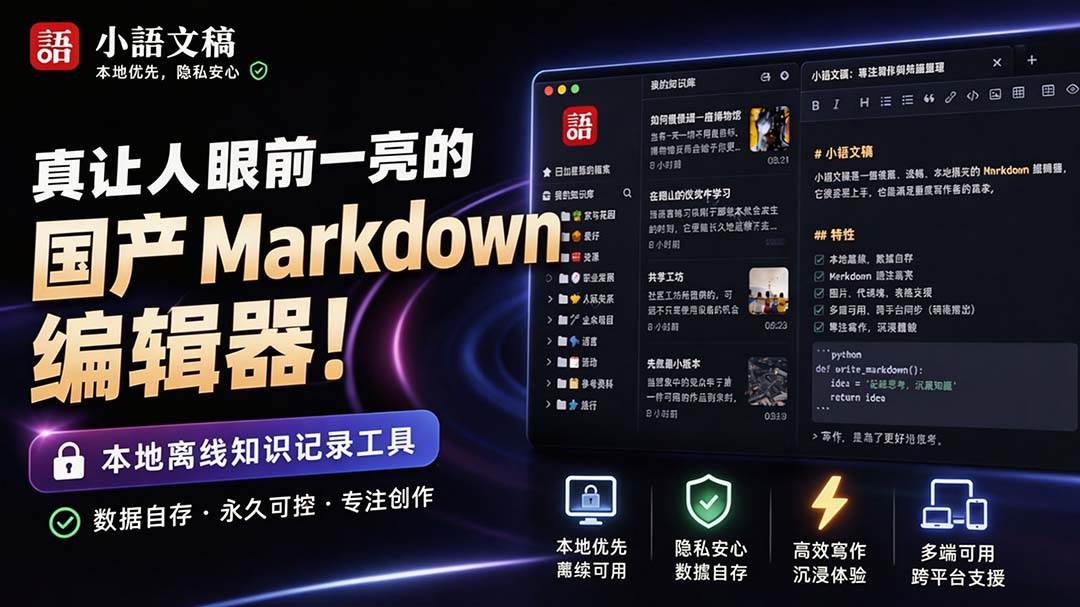
An eye-catching domestic Markdown editor: local offline high-performance note tool, free and no login required

Domestic Markdown editor: local offline high-performance knowledge-note tool, free and no login required
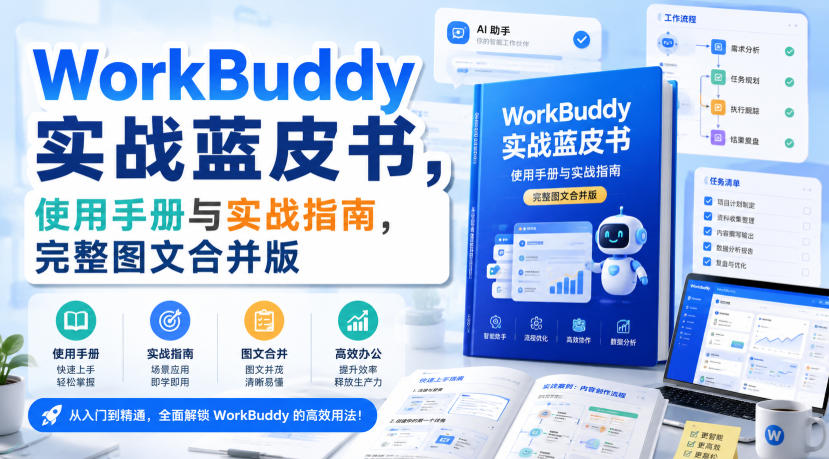
WorkBuddy practical blue paper: user manual and practice guide, complete combined image-text edition

Jimeng challenges a 180-second long video: one-click a 3-minute movie? Full production flow shared in detail

Super handy! Douyin video downloader, supports batch download of user works, favorites and likes lists, open-source free Better-douyin-R
Nearly 200K stars on GitHub - Harness now runs by double-click: the Harness full-platform desktop edition
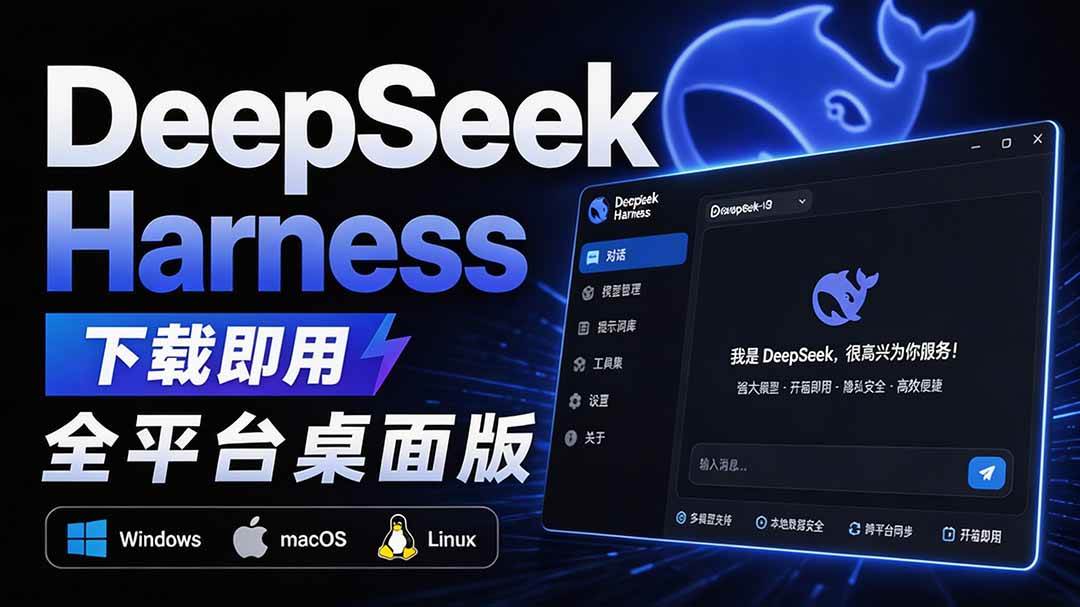
Nearly 200K stars on GitHub - Harness now runs by double-click: the Harness full-platform desktop edition DSH Desktop

