


-
Solo Business Courses
-
 Others
-
Overseas Tutorials
-
Photography & Editing
-
Community & Private Domain
-
Self-Media Writing & Copywriting
-
Side Income Projects
-
E-commerce
-
Short Video & Live Streaming
-
Artificial Intelligence (AI)
-
Software & Tools
-
Operating Systems
-
Plugins & Scripts
-
MacOS Software
-
Android Software
-
Windows Software
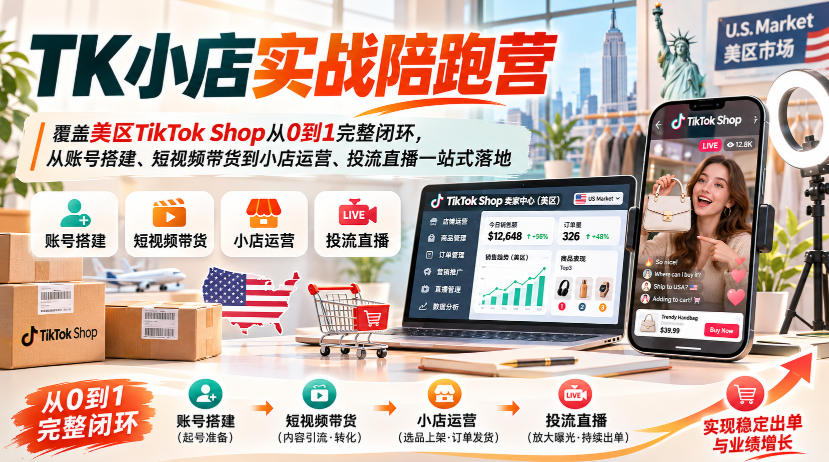
TikTok Shop US Region Store Practical Tutorial
-
Game Gold-Farming Money-Making Plan: Earn 1k+ Daily, a Stable 3-Year Project Anyone Can Do in Spare Time [Revealed]
Study material — included with membership Get Membership -
Hot-game fully-automated earning: 500+ a day, no experience, simple operation - the steadiest long-term game-earning side hustle (revealed)
Study material — included with membership Get Membership -
FlyingMouse earns merit this time! Don't panic at Windows format problems — the open-source FlyingMouse format conversion tool helps, a popular GitHub gem
Study material — included with membership Get Membership -
Douyin Product-Selling Coaching Bootcamp: No On-Camera Appearance Needed, Newbies Can Produce Selling Short Videos by Following the Steps
Study material — included with membership Get Membership -
First-release game gold-farming money plan: 1K+ a day, ordinary people in spare time
Study material — included with membership Get Membership





-
FlyingMouse earns merit this time! Don't panic at Windows format problems — the open-source FlyingMouse format conversion tool helps, a popular GitHub gem
Study material — included with membership Get Membership -
LuDaShi v6.1024.4105.1121 Slim Single File
Study material — included with membership Get Membership -
2D Cartoon Animation Software Moho Pro v14.3
Study material — included with membership Get Membership -
Video Editor Aiseesoft Filmai v1.0.18
Study material — included with membership Get Membership -
To-Do Microsoft To Do v2.147 Free
Study material — included with membership Get Membership -
PR/AE/DaVinci/FCPX video Plugin Nobe OmniScope Win1.11.15 / Mac1.10.138
Study material — included with membership Get Membership





Course Introduction
The course starts from account positioning, environment setup, account registration, and homepage decoration, guiding you step by step to open a US-region creator Yellow Cart; it provides detailed instruction on the full content production process for short-video product promotion, including hit-product selection, material library setup, mixed editing and deduplication, original live-action shooting, and publishing with product links.
Then it goes deeper into the shop section: store onboarding, fingerprint browser configuration, backend basic settings, product listing, order management, and marketing campaign setup; it breaks down nine major product-selection dimensions, supply channels, pricing strategies, four product-testing methods, and stocking plans for small and medium sellers.
The traffic section covers both free and paid: fully understand the five major traffic entrances for product cards and in-pool optimization techniques; step-by-step teaching on ADS advertising account registration, campaign setup, creative production, and ad delivery data analysis.
At the same time, it completes the two major revenue-increasing channels of creators and livestreaming: creator channel development, invitation scripts, cooperation models, and creator page settings; livestream team building, recruitment and training, product selection and scheduling, scene and equipment, broadcast setup, scripted talking points, and livestream review, achieving simultaneous order surges through the three drivers of short video + creators + livestreaming.
This course takes the complete closed loop of TikTok Shop US region stores from 0 to 1 as the main line, emphasizing the collaborative relationship among accounts, content, stores, traffic, creators, and livestreaming. When learning, you can first complete the account environment and store basic setup, then validate products around short videos and product cards, subsequently amplify orders through creator collaboration and ADS, and finally undertake conversion with the livestreaming system. For individuals and teams hoping to systematically implement TK US region business, this accompanying-style course can reduce scattered trial and error and help form reusable operating processes and data review habits.
Suitable For
- Individual entrepreneurs with zero foundation who want to enter US-region TikTok cross-border e-commerce and want to open a TK shop
- TK bloggers who only know how to make short videos but do not know how to open a shop, run paid ads, or work with creators and livestreaming
- Small and medium sellers whose shops grow slowly and lack stable traffic, who only rely on organic traffic and do not know how to use product cards and ADS paid advertising
- Cross-border teams that want to build multi-channel monetization through short video + creators + livestreaming and amplify store revenue
- Traditional e-commerce sellers expanding overseas want a complete, ready-to-execute TK store launch plan
Learning Outcomes
- Independently complete TK account environment setup, registration, and profile decoration, and successfully activate the US region creator Xiaohuangche
- Master the full set of short video selling capabilities: hit product selection, material production, mixed editing and deduplication, original shooting, and publishing with product links
- Proficiently complete shop onboarding, browser configuration, and all store backend settings, one-click product listing, and marketing campaign setup
- Fully understand free traffic tactics for product cards, master the full process of product testing, pricing, and stocking, and reduce trial-and-error costs
- Learn to develop overseas creator resources, apply standardized invitation scripts, and implement multiple creator collaboration models
- Build an ADS paid advertising account from scratch, create ad campaigns, optimize materials, review advertising data, and scale orders
- Build a complete livestreaming system: team formation, equipment and scenes, livestream scripts, selling scripts, and full-session data review
- Connect the full-chain order explosion closed loop of short video organic traffic + free product card traffic + ADS paid traffic + creators + livestreaming
Course Content
- 1.Introductory Course
- 2.Five Major Positioning Strategies for TK Short Video Sales
- 3.TK Short Video Sales Environment Setup and Account Registration Practical Operation
- 4.How to Decorate a TK Sales Account That Comes with Traffic
- 5.How to Enable the Small Yellow Cart for TK US Region Creator Accounts Practical Operation
- 6.Six Major Best-Seller Product Selection Logics for TK Short Video Sales
- 7.TK US Region Short Video Sales Material Library Building Techniques
- 8.TK Short Video Sales Mixed Editing and Deduplication Logic and Practical Operation
- 9.How to Shoot Original Videos for TK Short Video Sales
- 10.TK Short Video Sales Cart Attachment Publishing and Practical Operation
- 11.TK Best-Selling Store Classification and Onboarding Practical Operation
- 12.TK Best-Selling Fingerprint Browser Configuration and Practical Operation
- 13.TK Best-Selling Store Basic Information Configuration Practical Operation
- 14.TK Best-Selling Store Order Management Configuration Practical Operation
- 15.TK Best-Selling Store Product Management Configuration Practical Operation
- 16.How TK Best-Selling Stores Can Quickly and Efficiently List Products Practical Operation
- 17.TK Best-Selling Store Marketing Activity Configuration Practical Operation
- 18.Nine Major Product Selection Dimensions for TK Best-Selling
- 19.TK Best-Selling Product Selection Channel Recommendations and Practical Operation
- 20.Product Pricing Strategies for TK US Region Best-Selling
- 21.Four Major Product Testing Methods for TK Best-Selling
- 22.Stocking Strategies for Small and Medium Sellers in TK Best-Selling
- 23.How to Establish Channels for TK Best-Selling Influencers
- 24.Influencer Invitation Script Models for TK Best-Selling
- 25.Influencer Collaboration Models for TK Best-Selling
- 26.Influencer Page Practical Operation for TK Best-Selling
- 27.Five Major Traffic Openings for TK Best-Selling Product Cards
- 28.Advantages of TK hot-selling product cards
- 29.Core of TK hot-selling traffic acquisition via product cards
- 30.How TK hot-selling product cards optimize for pool entry
- 31.TK hot-selling: shop shipping methods
- 32.TK hot-selling: how to get shipping fees
- 33.TK hot-selling: shop settlement
- 34.TK hot-selling ADS ad account registration
- 35.TK hot-selling: ADS ad features introduction
- 36.ADS account authorization and binding setup hands-on
- 37.TK hot-selling: ad campaign hands-on
- 38.TK hot-selling: creative ideas for ad materials
- 39.TK hot-selling: ad data analysis
- 40.TK hot-selling: livestream team building model
- 41.TK livestream team recruitment and training
- 42.TK livestream product selection ideas and channels
- 43.TK livestream product lineup strategy and ideas
- 44.TK livestream scene setup
- 45.TK livestream equipment checklist recommendations
- 46.TK livestream broadcasting permissions and settings
- 47.TikTok livestream script planning
- 48.TK livestream selling script pitfalls and overlay templates
- 49.TK hot-selling: livestream analysis
Related Courses

Xiaohongshu IP Gold-Mining Bootcamp: Master Topic Selection, Copywriting, Shooting & Editing, and Viral Operations with Private-Domain Monetization



Douyin Emotional-Card GIF Practical Course: Phone Production + Livestream Tactics, Unlock GIF Traffic Monetization
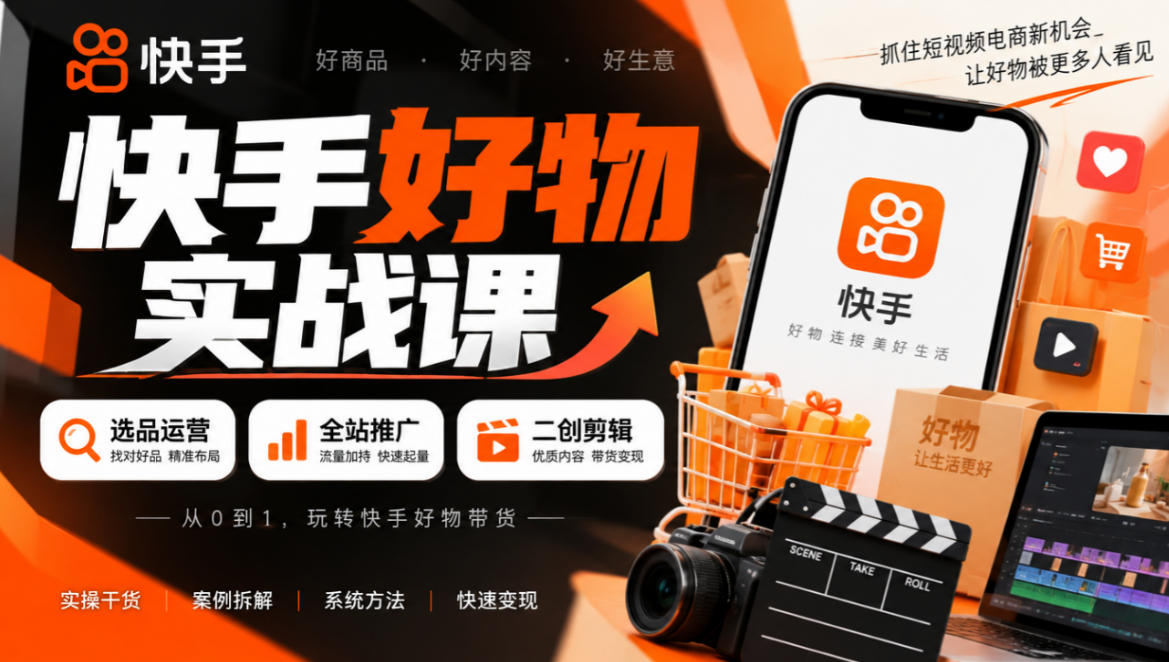
Kuaishou Good-Stuff Practical Course: Product Selection & Operations + Site-Wide Promotion + Re-Creation Editing for Affiliate Sales



Bilibili short-video product-promo dividend: free teaching plus managed operation, two playbooks, single-account seven-day income 1200-3600

Xiaohongshu electronic-resource category opening tutorial: targeted-access rules, qualification materials and the self-recommendation submission flow

Game Gold-Farming Money-Making Plan: Earn 1k+ Daily, a Stable 3-Year Project Anyone Can Do in Spare Time [Revealed]

