


-
Solo Business Courses
-
 Others
-
Overseas Tutorials
-
Photography & Editing
-
Community & Private Domain
-
Self-Media Writing & Copywriting
-
Side Income Projects
-
E-commerce
-
Short Video & Live Streaming
-
Artificial Intelligence (AI)
-
Software & Tools
-
Operating Systems
-
Plugins & Scripts
-
MacOS Software
-
Android Software
-
Windows Software
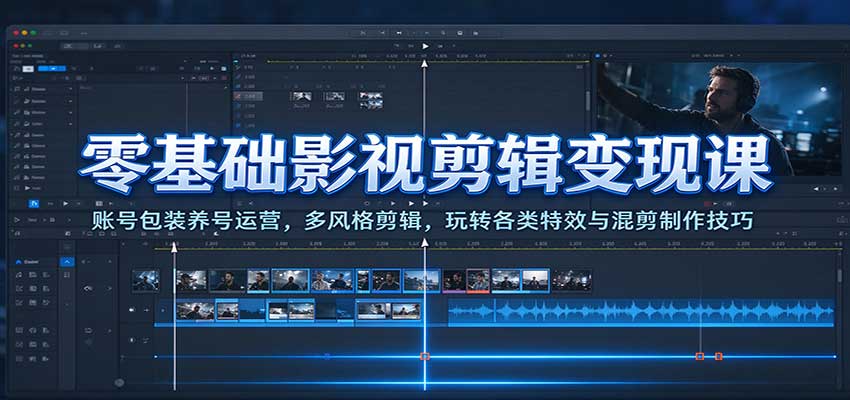
Zero-Basis Film & TV Editing Monetization Course: Account Packaging & Nurturing Operations, Multi-Style Editing, Mastering Effects and Mashup Techniques
-
Game Gold-Farming Money-Making Plan: Earn 1k+ Daily, a Stable 3-Year Project Anyone Can Do in Spare Time [Revealed]
Study material — included with membership Get Membership -
Hot-game fully-automated earning: 500+ a day, no experience, simple operation - the steadiest long-term game-earning side hustle (revealed)
Study material — included with membership Get Membership -
FlyingMouse earns merit this time! Don't panic at Windows format problems — the open-source FlyingMouse format conversion tool helps, a popular GitHub gem
Study material — included with membership Get Membership -
Douyin Product-Selling Coaching Bootcamp: No On-Camera Appearance Needed, Newbies Can Produce Selling Short Videos by Following the Steps
Study material — included with membership Get Membership -
First-release game gold-farming money plan: 1K+ a day, ordinary people in spare time
Study material — included with membership Get Membership






-
FlyingMouse earns merit this time! Don't panic at Windows format problems — the open-source FlyingMouse format conversion tool helps, a popular GitHub gem
Study material — included with membership Get Membership -
LuDaShi v6.1024.4105.1121 Slim Single File
Study material — included with membership Get Membership -
2D Cartoon Animation Software Moho Pro v14.3
Study material — included with membership Get Membership -
Video Editor Aiseesoft Filmai v1.0.18
Study material — included with membership Get Membership -
To-Do Microsoft To Do v2.147 Free
Study material — included with membership Get Membership -
PR/AE/DaVinci/FCPX video Plugin Nobe OmniScope Win1.11.15 / Mac1.10.138
Study material — included with membership Get Membership





Course intro:
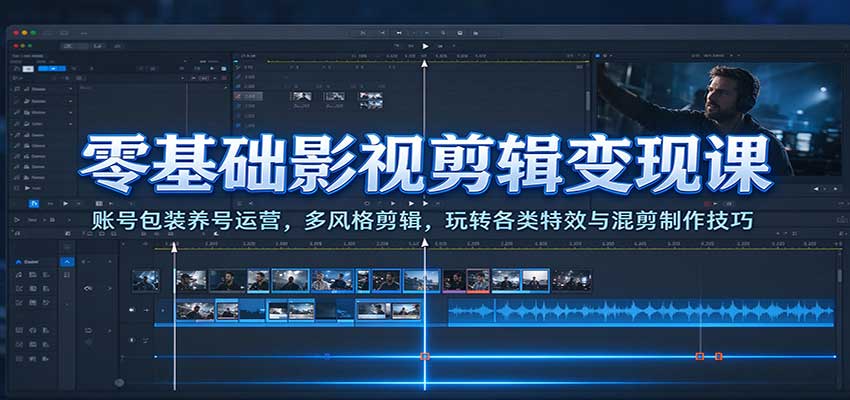
This zero-basis film & TV editing course targets editing newbies, covering both account operation and video editing. It explains account checking and packaging, account nurturing, account positioning, publishing and follower-growth tips, and platform rules; it teaches drama selection and material-finding methods, and breaks down comedy and story editing approaches. It practices landscape and portrait video and mashup production, demonstrating subtitle removal, frame extraction and interpolation, transition effects, picture-in-picture, mirror flip, text countdown and other editing functions, and explains opening-title and background-image creation. Even from zero you can learn film mashup and make publishable short-video works.
Course directory:
├01. Account Check & Packaging_1
├02. Account-Nurturing Methods_1
├03. Account Positioning_1
├04. Publishing Tips_1
├05. Trending Tips_1
├06. Follower-Growth Tips_1
├07. How to Choose Dramas_1
├08. Platform Rules_1
├09. Comedy-Style Editing Approach_1
├10. Comedy-Style Material-Finding_1
├11. Comedy-Style Editing Flow_1
├12. Making an Opening Title_1
├13. Making Background Images_1
├14. Making Landscape Video_1
├15. Making Landscape Mashup Video_1
├16. Making Portrait Video_1
├17. Aligning Video and Text_1
├18. Mashup Approach & Material Sources_1
├19. Making Mashup Video_1
├20. Story-Style Editing Approach_1
├21. Removing Subtitles with Subtitle Bar_1
├22. Blur Subtitle Removal_1
├23. Frame Extraction & Interpolation_1
├24. How to Add Effective Transitions_1
├25. Using Picture-in-Picture_1
├26. Using Mirror Flip_1
├27. Scene Zoom In/Out_1
├28. How to Add Sweep Light_1
├29. Replacing Frames_1
├30. How to Add Transitions_1
├31. Putting Exciting Plot First_1
├32. How to Add Effects_1
├33. How to Add Text in Video_1
├34. How to Add Countdown_1
├35. How to Make Background Images_1
Supporting Study Materials
This course comes with a materials pack. Members receive the access link by email after requesting the course.
Related Courses


Figure-drawing two-tone light-and-shadow systematic training: from black-white relations and structure to character-scene design




High-value IP full-domain practice course: IP positioning and persona setup, product design, editing and private-domain monetization - a full landing course


PS portrait retouching and liquify course: reject ineffective retouching, hands-on and easy to understand

Can Grok 4.6 make games too? First-person combat video hands-on test, detailed gameplay walkthrough

QuAi 14-day Lu Dami online workshop: your personal brand deserves to be loved

