


-
Solo Business Courses
-
 Others
-
Overseas Tutorials
-
Photography & Editing
-
Community & Private Domain
-
Self-Media Writing & Copywriting
-
Side Income Projects
-
E-commerce
-
Short Video & Live Streaming
-
Artificial Intelligence (AI)
-
Software & Tools
-
Operating Systems
-
Plugins & Scripts
-
MacOS Software
-
Android Software
-
Windows Software

AI E-Commerce Image Generation Practice: Zero Baseline, 3000 Images/Day Auto
-
Game Gold-Farming Money-Making Plan: Earn 1k+ Daily, a Stable 3-Year Project Anyone Can Do in Spare Time [Revealed]
Study material — included with membership Get Membership -
Hot-game fully-automated earning: 500+ a day, no experience, simple operation - the steadiest long-term game-earning side hustle (revealed)
Study material — included with membership Get Membership -
FlyingMouse earns merit this time! Don't panic at Windows format problems — the open-source FlyingMouse format conversion tool helps, a popular GitHub gem
Study material — included with membership Get Membership -
Douyin Product-Selling Coaching Bootcamp: No On-Camera Appearance Needed, Newbies Can Produce Selling Short Videos by Following the Steps
Study material — included with membership Get Membership -
First-release game gold-farming money plan: 1K+ a day, ordinary people in spare time
Study material — included with membership Get Membership






-
FlyingMouse earns merit this time! Don't panic at Windows format problems — the open-source FlyingMouse format conversion tool helps, a popular GitHub gem
Study material — included with membership Get Membership -
LuDaShi v6.1024.4105.1121 Slim Single File
Study material — included with membership Get Membership -
2D Cartoon Animation Software Moho Pro v14.3
Study material — included with membership Get Membership -
Video Editor Aiseesoft Filmai v1.0.18
Study material — included with membership Get Membership -
To-Do Microsoft To Do v2.147 Free
Study material — included with membership Get Membership -
PR/AE/DaVinci/FCPX video Plugin Nobe OmniScope Win1.11.15 / Mac1.10.138
Study material — included with membership Get Membership





This course covers AI design tools' functions and applications: image processing, design generation, and e-commerce use. If interested or wanting to apply them at work, check the content.
\Basic functions
\Learn basic operations and common functions to build a base.
\Image processing
\Master image processing: cutout, watermark removal, upscaling, and more.
\E-commerce Design Applications
\Learn AI tools' concrete e-commerce design use, lifting efficiency and quality.
\Course Content Schedule
\Beginner basics and tool use.
\- \
- First lesson for beginners THE ESSENTIALS \
- Hero-pattern extraction V5.1 Pattern extraction \
- Bulk screenshots of collected images Batch processing \
- E-commerce titles V2 Title generation \
Various image-processing methods and tips.
\- \
- Seamless pattern Pattern creation \
- Remove watermark Watermark removal \
- Outpaint—2D style Image extension \
- Upscale—ultra-HD micro-repaint HD upscaling \
- Cutout—single group Cutout tips \
- Multi-group cutout Bulk cutout \
- Outpaint—3D style 3D extension \
AI image generation and derivative creation.
\- \
- Super image-to-image (derivative) Image generation \
- Image-to-image style repaint (derivative) Style transfer \
- Image-to-image micro-repaint (derivative) Detail optimization \
- Image-to-image text replication (derivative) Text generation \
- Text-to-image Text generation \
Image quality optimization and upscaling.
\- \
- Upscale—HD HD processing \
- Upscale—HD micro-repaint + fast upscale Fast upscaling \
AI tools' concrete e-commerce design use.
\- \
- Product image fusion 2.0 Product compositing \
- Scene mockup Scene generation \
- Image-file SKU Product image files \
- Mockup workflow Mockup creation \
Content is grouped by function and use case, from basics to advanced. AI design tools have many functions—start with what you need most.
\AI design tools lift efficiency, especially in repetitive work and creative generation. This course organizes their functions and use—pick what fits your needs.
\Whether learning basics or e-commerce application, this gives practical methods. The key is practicing and applying tips to real work.
Related Courses


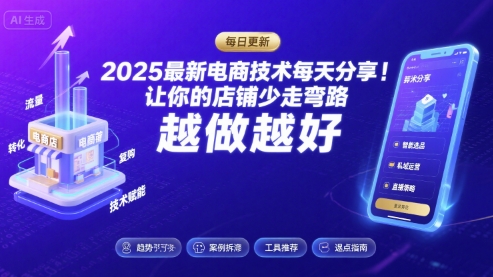
Latest e-commerce techniques shared daily 2025-2026 to help your store avoid detours and do better (updated Aug 2026)

Hands-on E-commerce Price-Testing Course: Tiered Price Testing, Traffic-Conversion Judgment, Finding the Profit-Sales Balance Point
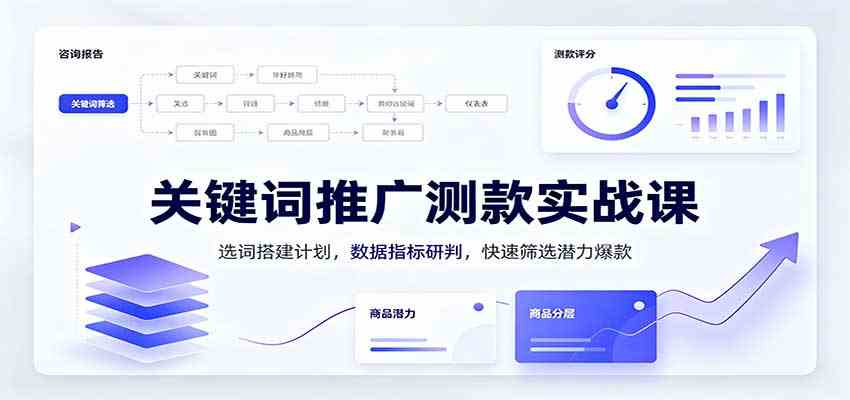
Hands-on Keyword Promotion Product-Testing Course: Keyword Selection & Campaign Setup, Metric Analysis, Fast Screening of Potential Hits

Tmall/Taobao high-profit growth class, Hangzhou offline session 31 (Aug 22-24): grow sales and profit over three days

A Side Hustle Anyone Can Land With Zero Basis: Build Pinduoduo Virtual-Category Passive Income, Add 10-30k Monthly

Taobao e-commerce breakthrough bootcamp: 2026 platform new-rule teardown, traffic-conversion logic, and a hands-on merchant guide

Taobao operations 21-day crash course (updated Aug): through-train + search + viral full chain, beginners reaching 10K+ monthly store income fast

Pinduoduo systematic operations course (updated Aug): from zero store setup to viral replication, stable 1000 orders/day and 50K+ monthly profit
