


-
Solo Business Courses
-
 Others
-
Overseas Tutorials
-
Photography & Editing
-
Community & Private Domain
-
Self-Media Writing & Copywriting
-
Side Income Projects
-
E-commerce
-
Short Video & Live Streaming
-
Artificial Intelligence (AI)
-
Software & Tools
-
Operating Systems
-
Plugins & Scripts
-
MacOS Software
-
Android Software
-
Windows Software

LinkedIn Client Development Series: 9 Years of Foreign Trade Experience, Built to Boost Your Outreach
-
Game Gold-Farming Money-Making Plan: Earn 1k+ Daily, a Stable 3-Year Project Anyone Can Do in Spare Time [Revealed]
Study material — included with membership Get Membership -
Hot-game fully-automated earning: 500+ a day, no experience, simple operation - the steadiest long-term game-earning side hustle (revealed)
Study material — included with membership Get Membership -
FlyingMouse earns merit this time! Don't panic at Windows format problems — the open-source FlyingMouse format conversion tool helps, a popular GitHub gem
Study material — included with membership Get Membership -
Douyin Product-Selling Coaching Bootcamp: No On-Camera Appearance Needed, Newbies Can Produce Selling Short Videos by Following the Steps
Study material — included with membership Get Membership -
First-release game gold-farming money plan: 1K+ a day, ordinary people in spare time
Study material — included with membership Get Membership






-
FlyingMouse earns merit this time! Don't panic at Windows format problems — the open-source FlyingMouse format conversion tool helps, a popular GitHub gem
Study material — included with membership Get Membership -
LuDaShi v6.1024.4105.1121 Slim Single File
Study material — included with membership Get Membership -
2D Cartoon Animation Software Moho Pro v14.3
Study material — included with membership Get Membership -
Video Editor Aiseesoft Filmai v1.0.18
Study material — included with membership Get Membership -
To-Do Microsoft To Do v2.147 Free
Study material — included with membership Get Membership -
PR/AE/DaVinci/FCPX video Plugin Nobe OmniScope Win1.11.15 / Mac1.10.138
Study material — included with membership Get Membership





Do you have a LinkedIn account but don't know how to make the most of it? Don't worry! Our course will dive deep and solve everything from account registration to efficient use!
\Course Highlights:
\01. Complete Guide to Account Registration
Learn the correct account registration process to make your LinkedIn journey smoother!
02. Account Setup Tips
Even simple settings have their nuances—make your profile more complete!
03. Profile Photo and Background Image Enhancement
Your LinkedIn image matters—learn the techniques for setting your profile photo and background image!
04. Building a Personalized Profile
Techniques for building your personal LinkedIn profile to help you stand out!
05. Using Multilingual Profiles
How to set up a multilingual profile to expand your international perspective!
06. Customizing Your Profile URL
Simple settings to make your profile URL more memorable and personalized!
07. Avoiding Account Restrictions
Things to note for newly registered accounts to avoid unnecessary trouble!
08. Efficient LinkedIn Strategies
Sharing efficient LinkedIn strategies to help you get twice the results with half the effort!
More great content:
\– 09. Privacy Settings Overview: Have you sorted out your privacy settings before using LinkedIn?
– 10. Common Q&A: Don't fall into common pitfalls when using LinkedIn!
– 11. Networking Expansion Techniques: Expand your LinkedIn network and extend your connections endlessly!
– 12. Improving Connection Acceptance Rate: Master tips to increase your connection acceptance rate!
– 13. How to Identify Your Network Circles: Learn to distinguish the levels of your LinkedIn connections so you can target them more effectively!
– 14. Posting Tips: How to publish eye-catching posts on LinkedIn?
– 15. Sending Exclusive Messages: Send messages to non-LinkedIn friends and stand out from the crowd!
– 16. Email Search Revealed: How to use practical email search plugins to find your LinkedIn contacts' email addresses?
– 17. Account Backup Essentials: Avoid account problems and learn how to back up your LinkedIn contacts!
– 18. Invisibility Settings Tips: Keep your competitors from snooping on your LinkedIn!
– 19. Customer Development Strategies: Master the steps to proactively and efficiently develop customers on LinkedIn from start to finish!
– 20. Sending Bulk Messages: Send messages to multiple contacts at once, efficient and convenient!
– 21. Phone Number Search: How to find your LinkedIn contacts' phone numbers?
– 22. Practical Tips Supplement: Further supplement the practical tips from lessons 20 and 21!
Conclusion:
Want to become a LinkedIn expert? Start here, learn systematically, and create your own LinkedIn legend!
Course Catalog:
Related Courses



Latest e-commerce techniques shared daily 2025-2026 to help your store avoid detours and do better (updated Aug 2026)

Hands-on E-commerce Price-Testing Course: Tiered Price Testing, Traffic-Conversion Judgment, Finding the Profit-Sales Balance Point
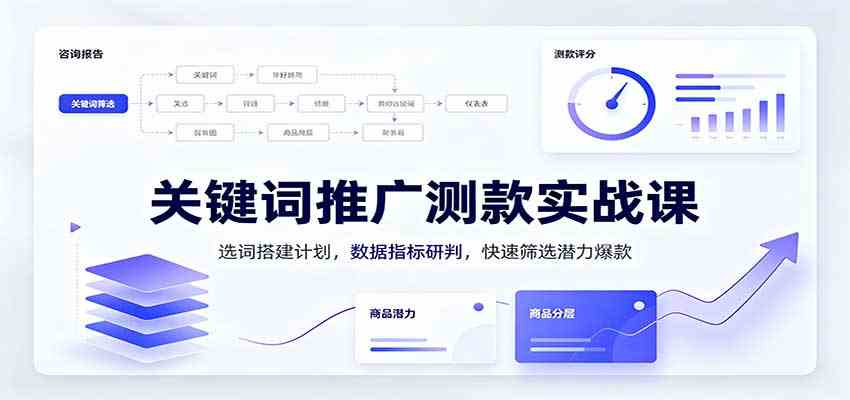
Hands-on Keyword Promotion Product-Testing Course: Keyword Selection & Campaign Setup, Metric Analysis, Fast Screening of Potential Hits

Tmall/Taobao high-profit growth class, Hangzhou offline session 31 (Aug 22-24): grow sales and profit over three days

A Side Hustle Anyone Can Land With Zero Basis: Build Pinduoduo Virtual-Category Passive Income, Add 10-30k Monthly

Taobao e-commerce breakthrough bootcamp: 2026 platform new-rule teardown, traffic-conversion logic, and a hands-on merchant guide
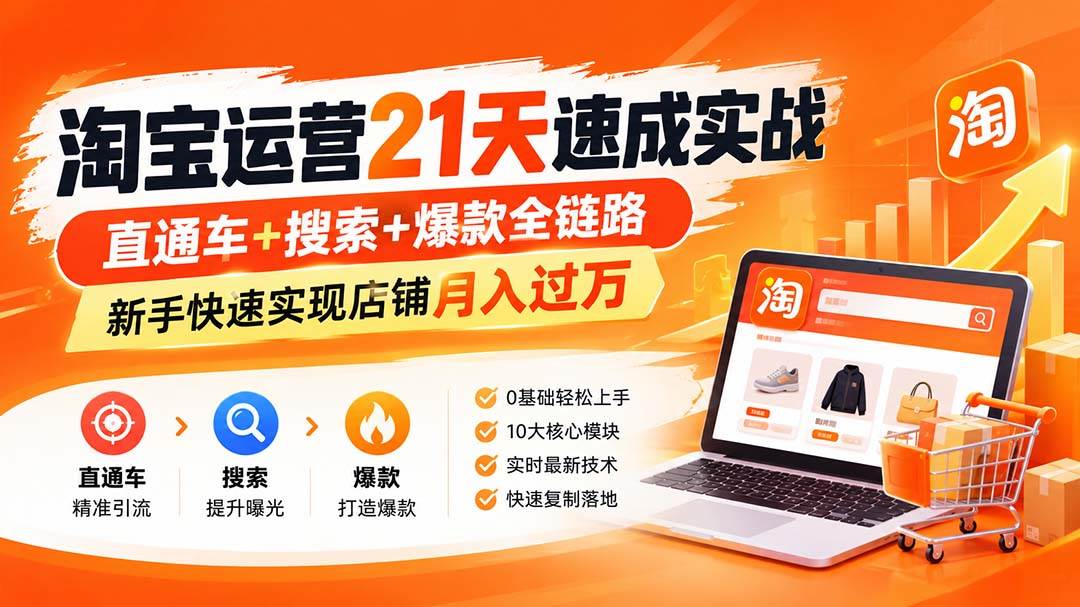
Taobao operations 21-day crash course (updated Aug): through-train + search + viral full chain, beginners reaching 10K+ monthly store income fast

Pinduoduo systematic operations course (updated Aug): from zero store setup to viral replication, stable 1000 orders/day and 50K+ monthly profit
